Print Layout Template
The print layout template specifies the ArcGIS Geo-processing print service which is used to print your map as a PDF. The steps below outline how to download the default MapBuilder printlayout template, customize it, and publish your own version to your own ArcGIS Server.
-
Download the Layout Template MXD, modify as needed and save it in an empty folder on your ArcGIS server.
-
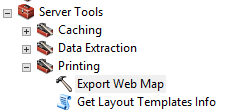
Run the Export Web Map tool from the Server ToolBox
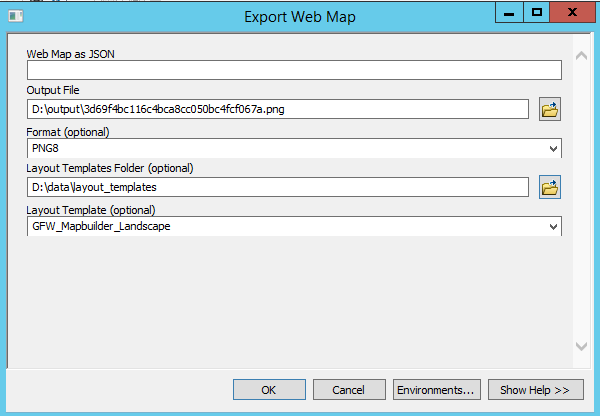
- Select the folder with the MXD as Layout Template Folder and the MXD itself as Layout Template. Pick an output folder in which the export files shall be saved
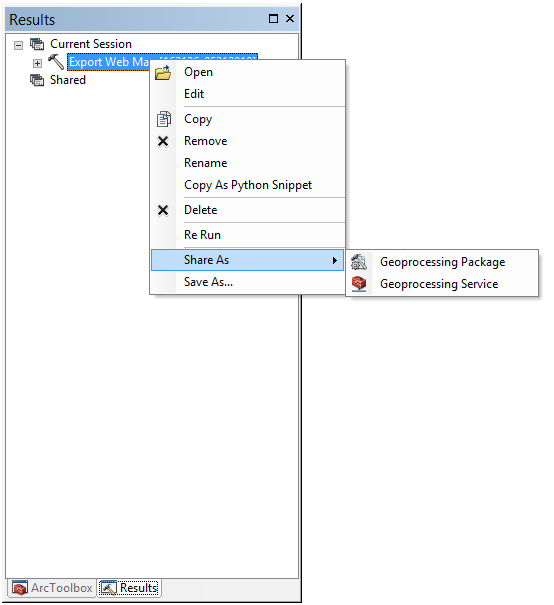
- Open the result window and share the Export Web Map tool as geoprocessing service
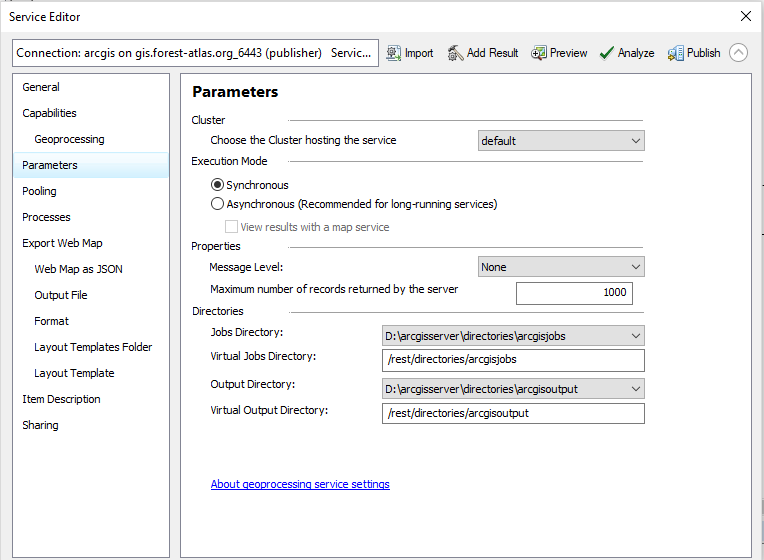
- Make sure your service executes Synchronous