This project provides a Python script for interacting with the VEVOR diesel air heater, All-in-One model, via Bluetooth Low Energy (BLE). The code has been developed through Bluetooth data sniffing between the heater and the manufacturer's "AirHeaterBLE" app.
The VEVOR diesel air heater is designed for use in cars, campers, trucks, and RVs. This script allows you to control the heater using a BLE-compatible device, such as a Raspberry Pi or a computer with a Bluetooth adapter.
- Bluetooth Low Energy connection with the VEVOR Diesel Air Heater device.
- Sending specific commands to control various heater functionalities.
- Monitoring and displaying information received from the heater, such as temperature, ignition status, power, and more.
- Python 3.x
- Arch Linux: sudo pacman -S base-devel cmake libevdev libconfig systemd-libs glib2
- Debian/Ubuntu: sudo apt install build-essential cmake pkg-config libevdev-dev libudev-dev libconfig++-dev libglib2.0-dev
- Bluepy Library:
pip install bluepy
- Ensure your Bluetooth device is enabled.
- Run the Python script.
- Follow the instructions to input manual commands or let the script automatically send the
cmd1command at regular intervals.
Available Commands:
P0: Turn heater OFF.P1: Turn heater ON.T8-T36: Set temperature (8-36°C).L1-L10: Set power level (1-10).exit: Exit program.
For more details about the VEVOR Diesel Air Heater, visit the VEVOR product page.
This project is created for educational purposes and automation of the VEVOR diesel air heater. Use the software at your own risk. The author is not responsible for any damage resulting from the improper use of the code. For a more comprehensive understanding of the utilized protocol, refer to the detailed explanation available at this link.
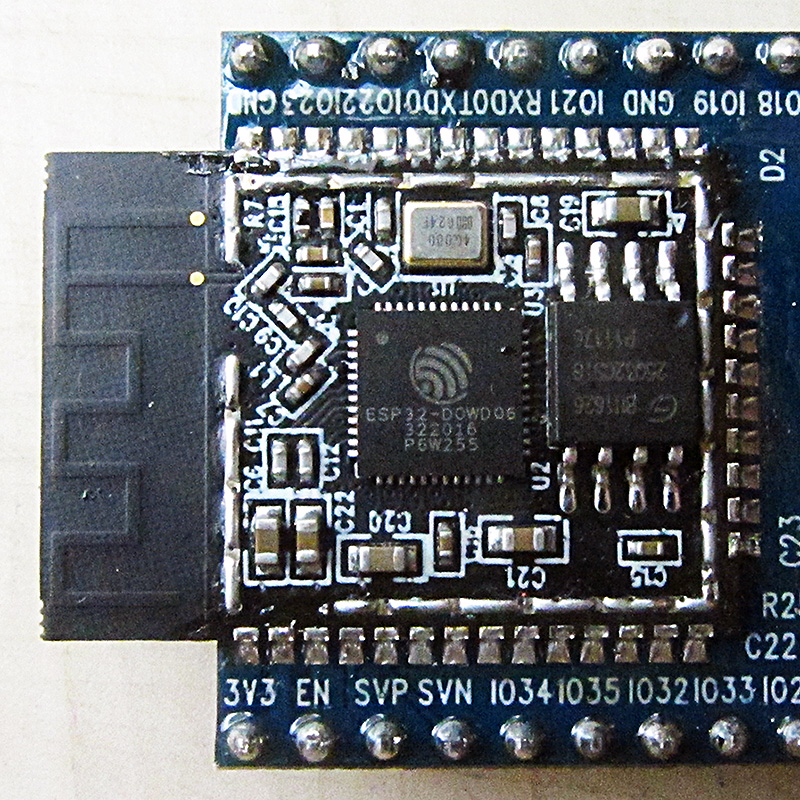
This is (ESP32-VevorBLE.yaml) the file to insert into an esp32 bluethoot card. to be able to use it with home assistant and on wifi
Thanks to: