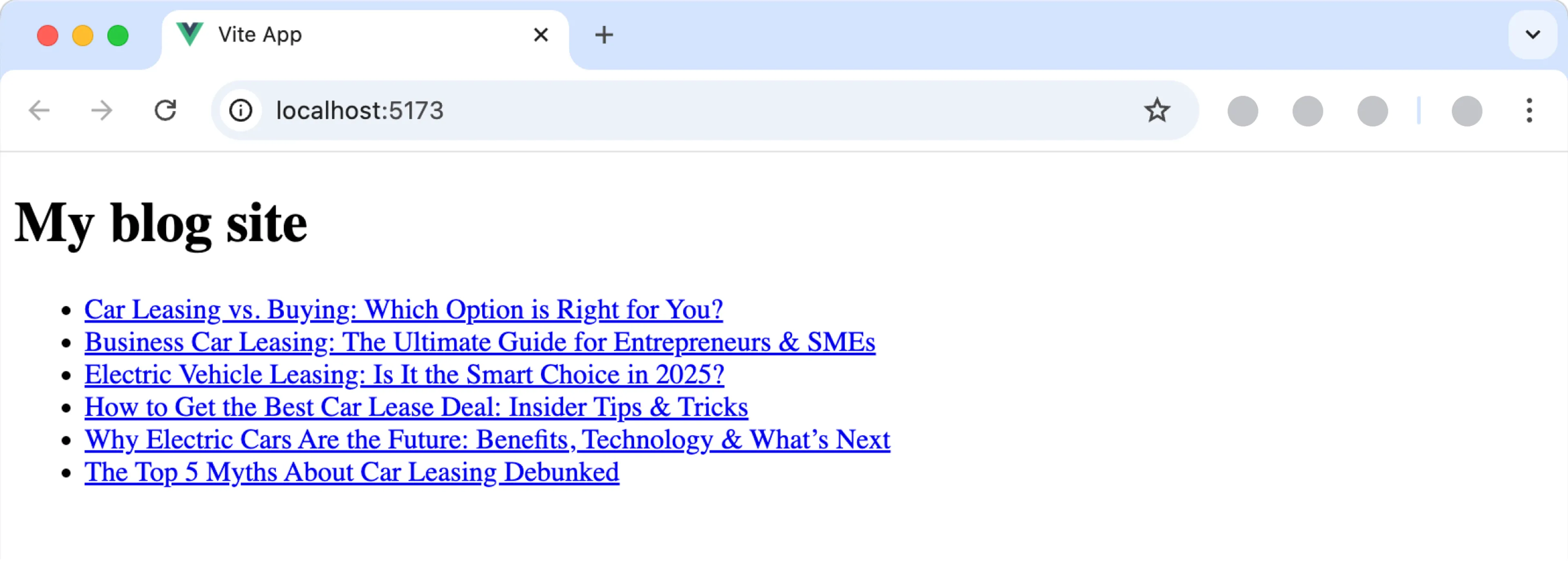
The Vue quick start project launches a blog app with content from Prepr.
Check out the Stackblitz demo for zero installation.
- Node.js
^20.19.0or>=22.12.0 - A Prepr account with an access token
Make sure to install the dependencies:
npm installCopy the .env.example file in this directory to .env (which will be ignored by Git) by running the following command:
cp .env.example .envIn the .env file replace <YOUR_ACCESS_TOKEN> with the Prepr access token from your environment with demo content.
Start the development server on http://localhost:5173
npm run devBuild the application for production:
npm run buildLocally preview production build:
npm run previewCheck out the deployment documentation for more information.