This project has been refactored with Vue 3 + Vite
Annual dinner lottery program, 3D sphere raffle, support for configuration of prize information, import participants information by Excel, and export lottery results by Excel
If programm is helpful for you😎😎😎, it will be greatful to comment us with⭐star⭐ 😘😘😘😍🥰🎉🎈🎃
Try it now: https://moshang-ax.github.io/lottery/
Front-end: Vue 3 + Vite + Three.js (CSS3D) Back-end: Node + Express
- The front-end was refactored into components with Vue 3, and the build tool was migrated from webpack to Vite for faster cold start and better HMR
- The 3D ball is rendered with Three.js (CSS3D); to keep the visuals identical to the original version,
Three.jsand its helper libraries (CSS3DRenderer.js,TrackballControls.js,tween.js) are still loaded as global scripts fromproduct/public/lib - The data service is provided by Express with the same API contract as the old version (no breaking changes)
- The result can ben save and downloaded to excel synchronously🎉
- The winner will not participate in the drawing, and the drawing person can be drawn again if he/she not on site🎁
- Refresh or trun off the server will save the winner data and will not resrt the lottery data, only by click the reset button on the page can the lottery data be reset🧧
- The number of prizes is able to configure🎈
- After all the prizes have been drawn, you can continue to draw special prizes(For example:Red pockets, additional prizes, etc). By default, one is extracted at once🧨
Try it now: https://moshang-ax.github.io/lottery/
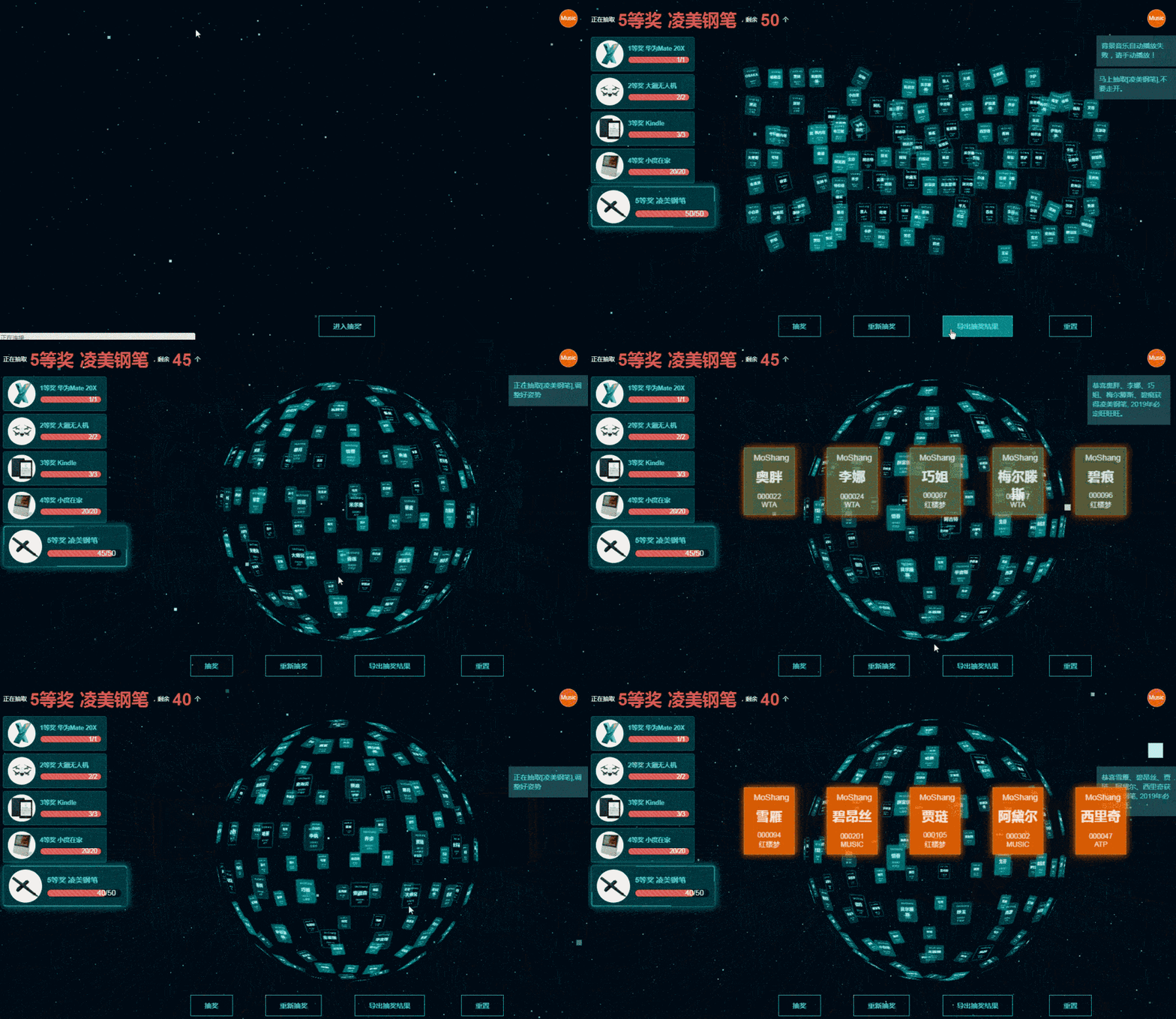
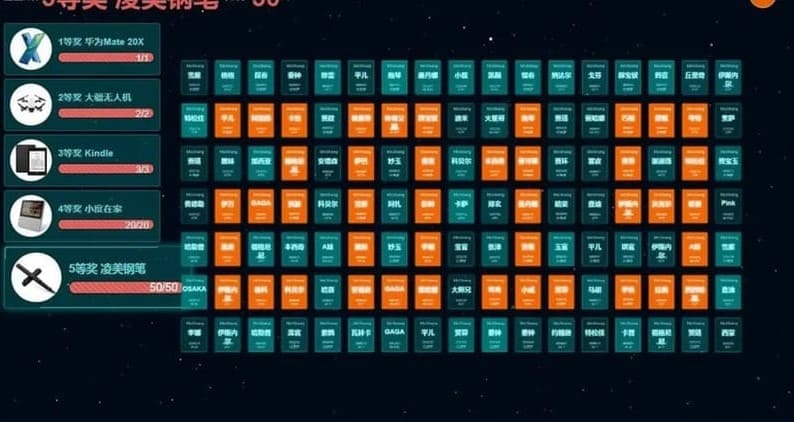
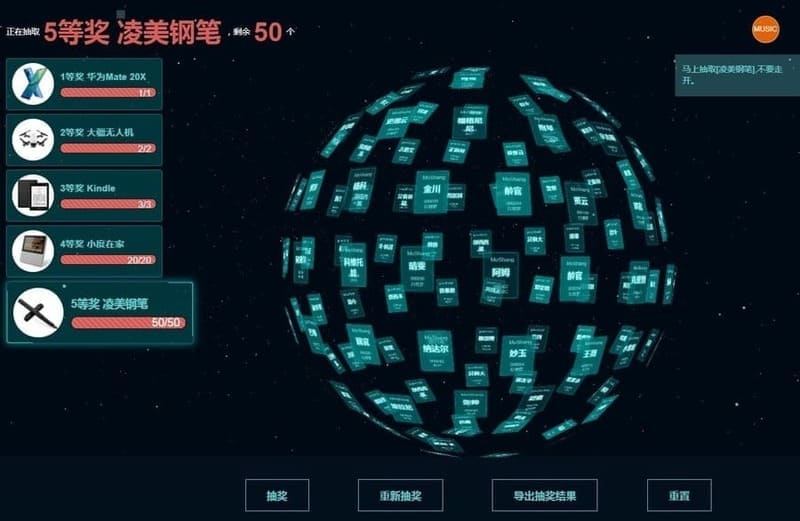
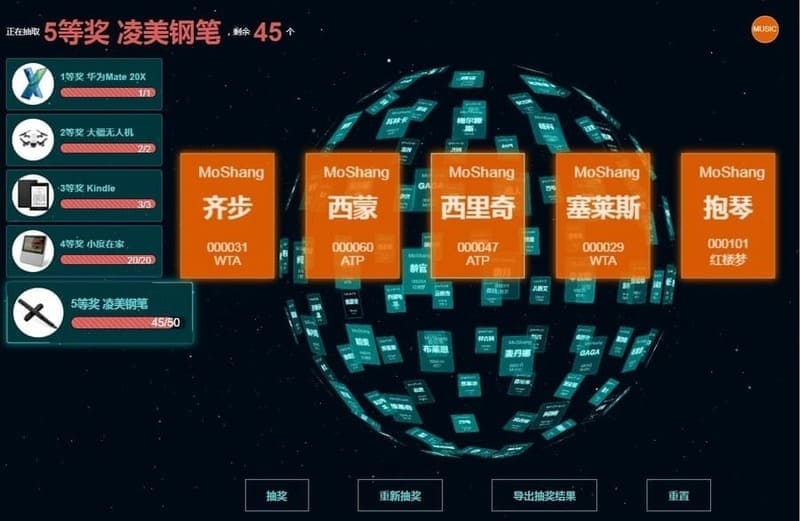
git clone https://github.com/moshang-xc/lottery.git

cd lottery

# Server plugin installation
cd server
npm install

# Front-end plugin installation
cd ../product
npm install

# Package (build dist output, used by npm run serve)
npm run build

# Running (Express serves dist, initial port 8888, auto-switches and prints the actual port if occupied)
npm run serve

# Developing & debugging (Vite dev server on 9000 by default, auto-starts the Express data service, ports fall back automatically when occupied)
npm run dev
Lottery
├── product                          # Front-end (Vue 3 + Vite)
│   ├── index.html                   # Vite entry page
│   ├── vite.config.js               # Build / dev server config
│   ├── public                       # Static assets, copied as-is on build
│   │   ├── img                      # Prize images
│   │   ├── css                      # Global styles
│   │   ├── data
│   │   └── lib                      # Global libs: three.js / CSS3DRenderer / tween
│   └── src
│       ├── main.js                  # App entry
│       ├── App.vue
│       ├── api
│       │   └── index.js             # Request wrapper for back-end APIs
│       ├── lottery                  # Lottery core logic (3D engine, state)
│       │   ├── engine.js            # 3D name-ball engine (Three.js CSS3D)
│       │   ├── store.js             # Global reactive state
│       │   ├── config.js
│       │   └── index.css
│       └── components               # Vue components
│           ├── ControlPanel.vue
│           ├── MusicControl.vue
│           ├── PrizeBar.vue
│           ├── QipaoList.vue
│           └── StarCanvas.vue
└── server                           # Back-end (Express data service)
    ├── config.js                    # Prize configuration
    ├── server.js                    # Service entry (auto-switches port when occupied)
    ├── help.js
    ├── data                         # Users / lottery result data
    └── cache
- product is the Front-end page directory (Vue 3 + Vite)
- Static assets under public are copied as-is into the build output
- vite.config.js is the build / dev server config file
- server is the data service directory, config.js is the prize configuration file
The lottery list information is in the server/data/user.xlsx file, information could only fill in base on the format, file name and title are not able to revise
Prize information is filled in the server/config.js file, and the file name cannot be modified.
The configuration of the prizes is described as follows:
| Parameter | Value Type | Description |
|---|---|---|
| type | Number | Type of prize, unique identifier, 0 is the placeholder for the default special prize, other prizes cannot be used |
| count | Number | Prizes amount |
| text | String | Prizes name |
| title | String | Prizes description |
| img | String | Image URL of the prize, image is underimg catalog |
// Prize information, the first item is reserved and cannot be modified. Other items can be modified as required
// Prize in
let prizes = [{
        type: 0,
        count: 1000,
        title: "",
        text: "Special Price"
    },
    {
        type: 1,
        count: 2,
        text: "Special Price"
        title: "Mystery jackpot"
        img: "../img/secrit.jpg"
    },
    {
        type: 2,
        count: 5,
        text: "First prize"
        title: "Mac Pro",
        img: "../img/mbp.jpg"
    }
    ...
];EACH_COUNTIt is used to configure the number of lottery draws each time, which corresponds to the prizes one by one. For example, the number of lottery draws corresponding to the above prize configuration is as follows:
const EACH_COUNT = [1, 1, 5];Configuration above means the order of the number of prizes to be drawn at one time is:one special prize per time, one grand prize per time and 5 first prize per time.
This identification is used to display on the lottery card.
const COMPANY = "MoShang";This project is support to deploy by Docker. Docker is a platform with lightweight containerization, allows you to quickly deploy, test and run the applications. This text will introduce how to deploy the project by Docker.
Before you use the Docker to deploy the project, you need to ensure you have download below software:
- Docker (Please refer Docker official file to get the installation instructions)
- Docker Compose
-
Download and unzip the source code for the project
-
Access the project directory after unzipped the file
-
Execute the following command to build the Docker mirror image:
./build.sh [TAG]It will use Dockerfile to set up the Docker mirror image named
lottery:[TAG]. If no tag is specified, the 'latest' tag is used by default -
Execute the following command to run the local container:
./dev.sh [TAG]This will start the container and deploy the application in the Docker container. You can test loacally to ensure all running fulently.
Please be pay attention that all applicaiton in the container will monitor port 8888 and port 443. -
Execute the following command to tag the Docker mirror image and push it to the remote Docker repository
./tagpush.sh [TAG]It will tag the Docker mirror image and push it to the remote Docker repository, please build up your repo at https://hub.docker.com/ if you want to us Docker official hub.
-
Ensure it has a file named
docker-compose.ymland add below information:version: '3.8' volumes: lottery_log: services: lottery: container_name: lottery expose: - 8888 ports: - "28458:8888" - "443:443" volumes: - "lottery_log:/var/log" image: "panda1024/lottery:[TAG]" restart: always
Kindly take note that [TAG] should be replaced with the name of the mirror image you pushed to the Docker repository
- Run the following command in the project directory on the server to deploy the application using Docker Compose:
docker-compose up -d
This will start a Docker Compose stack and deploy the project into it. Note that port 8888 and port 443 of the container are mapped to port 8888 and port 443 on the server. If you wish to use a different port, please change the docker-compose.yml file accordingly.
MIT