Toasty implementation for webs.
Idea was taken from GrenderG Toasty repository.
npm install toasty-webAnd then require it:
const ToastyWeb = require('toasty-web');- Copy 'style.css' located inside 'dist/styles' into your project and link it with
<link>2. - Copy the JavaScript file 'dist/scripts/ToastyWeb.umd.js' into your project and include it in your header with
<script>. If you are using ES modules you can use the 'dist/scripts/ToastyWeb.esm.js' instead. - Enjoy using Toasts!
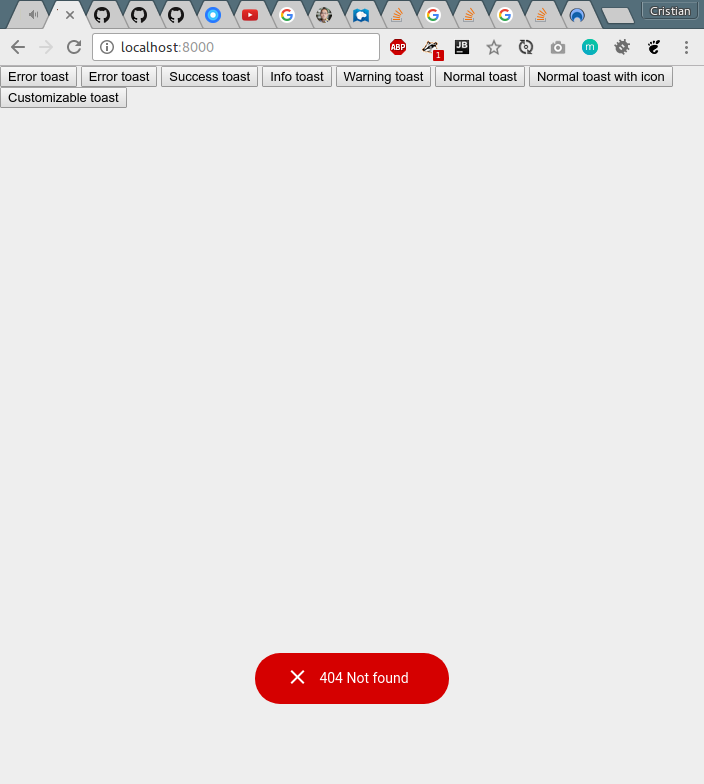
To display an error Toast:
ToastyWeb.error('404 Not found').show();To display a success Toast:
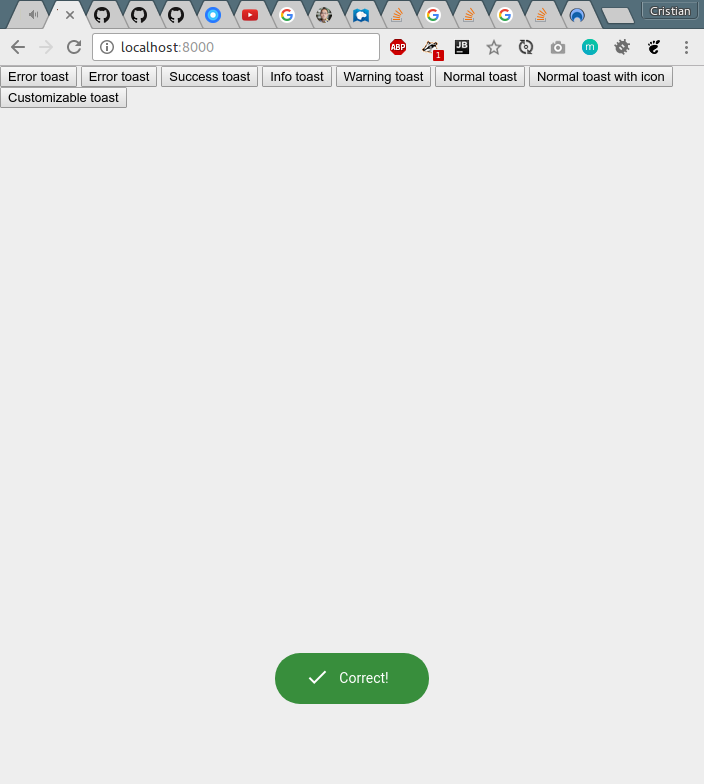
ToastyWeb.success('Correct!').show();To display an information Toast:
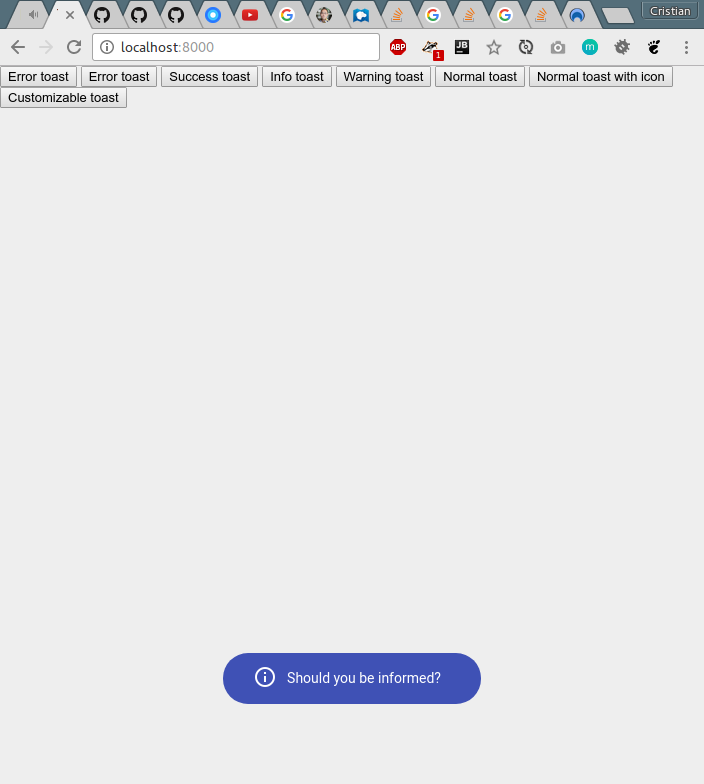
ToastyWeb.info('Should you be informed?').show();To display a warning Toast:
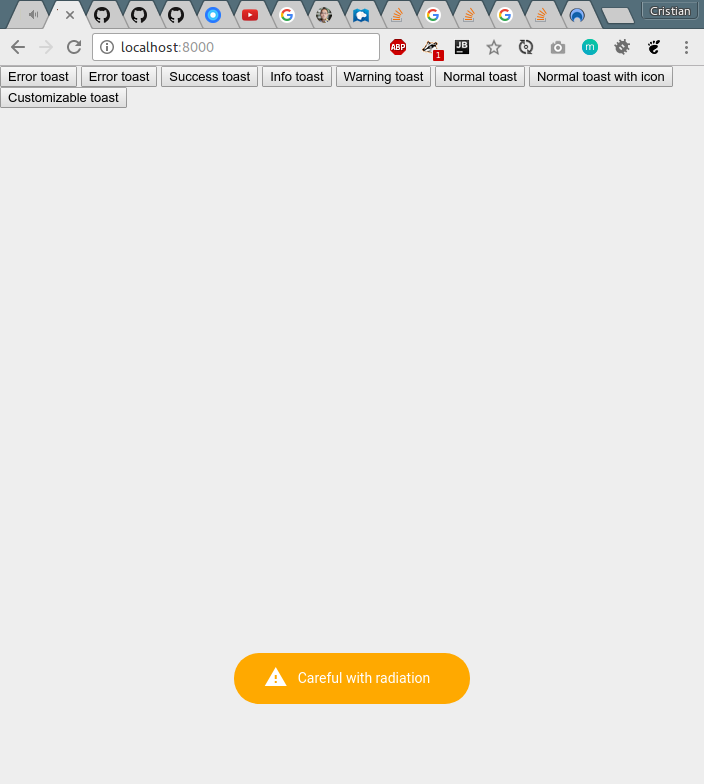
ToastyWeb.warning('Careful with radiation').show();All methods above supports a second param to show or not the default icon. Default is true.
ToastyWeb.warning('Careful with radiation w/o icon', false).show();To display a normal Toast:
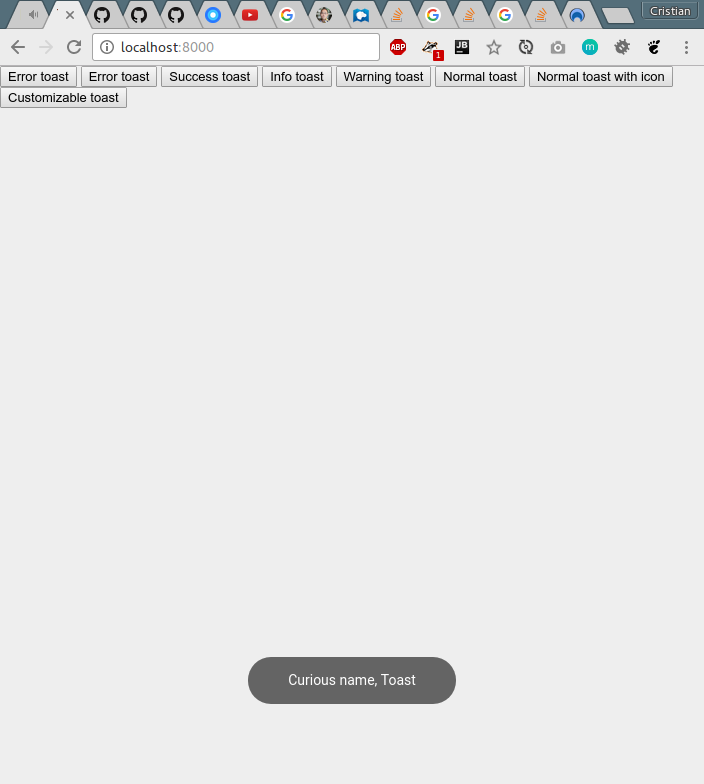
ToastyWeb.normal('Curious name, Toast').show()To display a normal Toast with icon1:
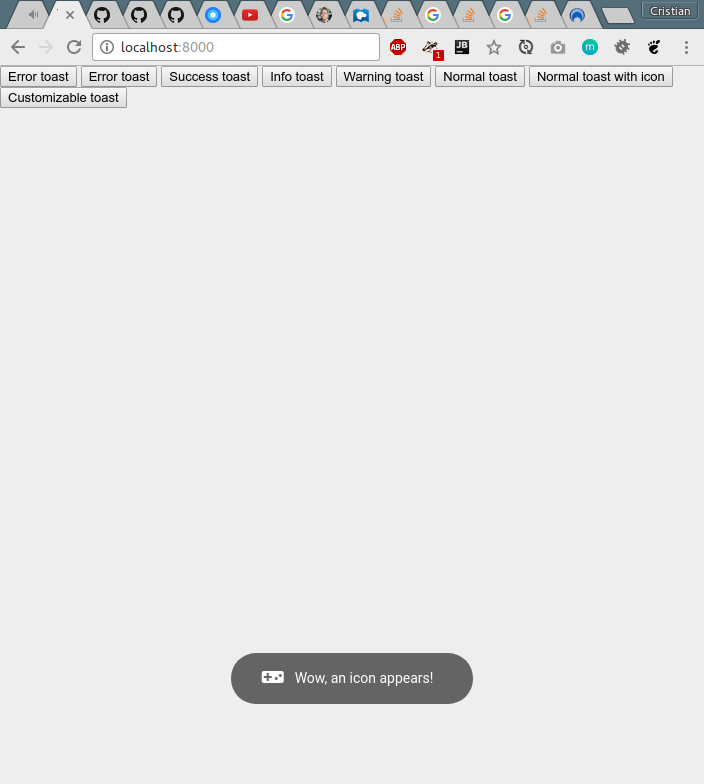
ToastyWeb.normal('Wow, an icon appears!', 'videogame_asset').show();To display a totally custom Toast:
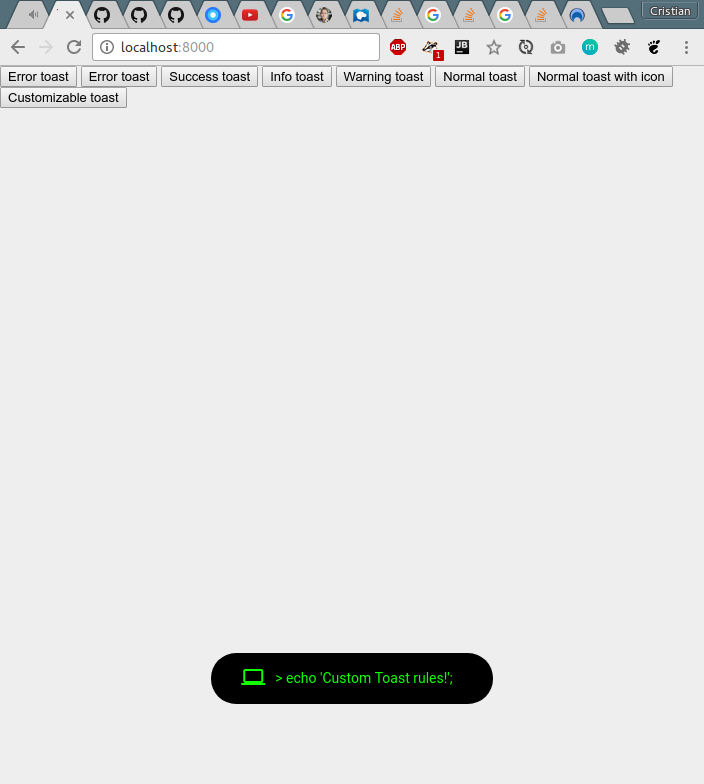
ToastyWeb.custom('> echo \'Custom Toast rules!\';', '#11FF00', '#000000', 'computer').show();Also, show method has two callbacks:
ToastyWeb.success('Correct!').show(function(toastId) {
    //When the Toast has been created and it gets the toastId
}, function(toastId) {
    //When the Toast has been hid
    //If this function returns false, the toast won't be destroyed, just hid
});
If you want ommit one of them just set it to function() { return true; }.
(1) Note: all icons must come from material icons.
(2) Note: if you are using bootstrap is probably that .show class has an !important so you need to uncomment this.
You can set a custom class for Toast:
ToastyWeb.customClassName = "myCustomClass";And custom timeOut for Toast dissapear (ms) default: 2000ms:
ToastyWeb.customTimeOut = 5000;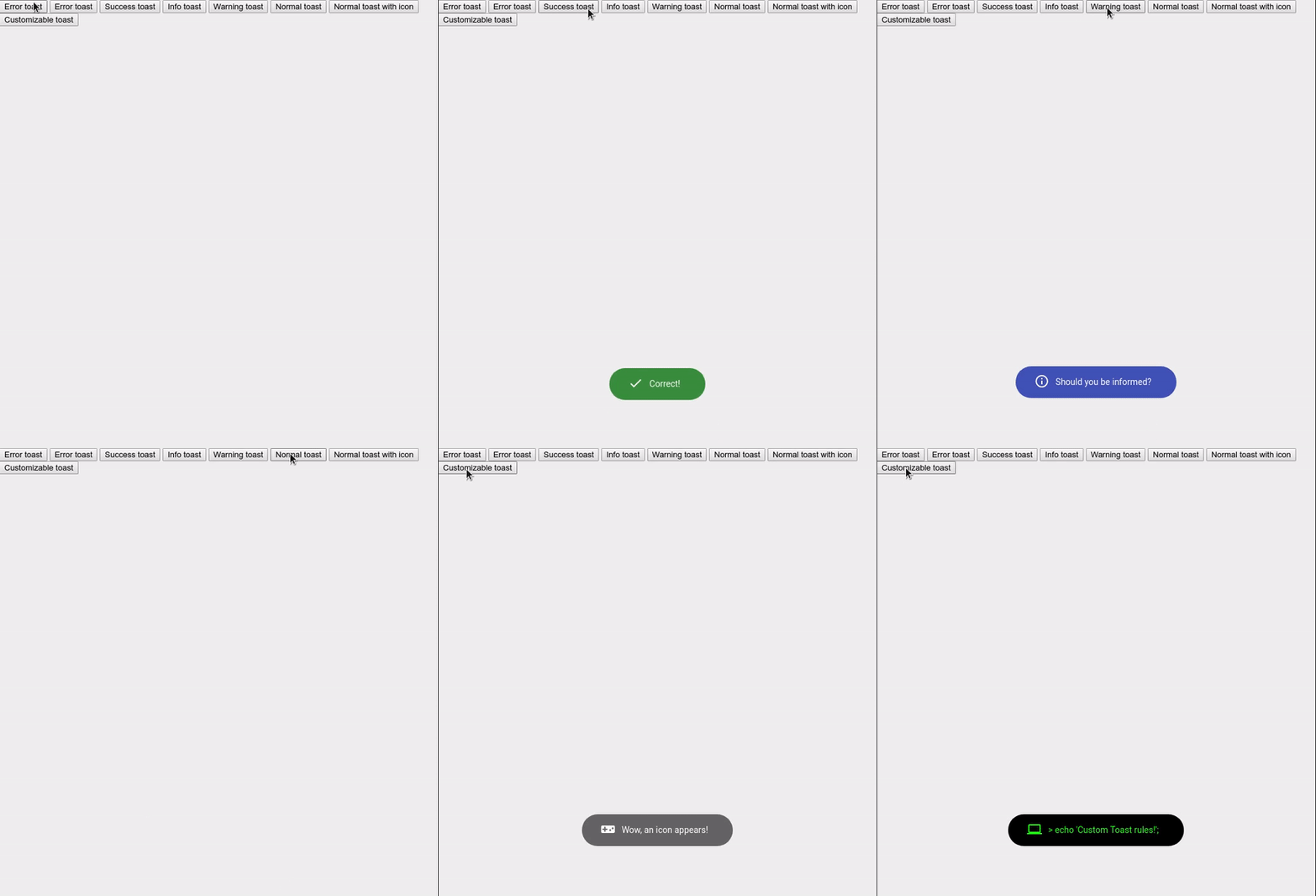
The project is made with Typescript and SCSS so if you want to make changes you need to build it with
npm run buildand generated files will be in dist/ folder