







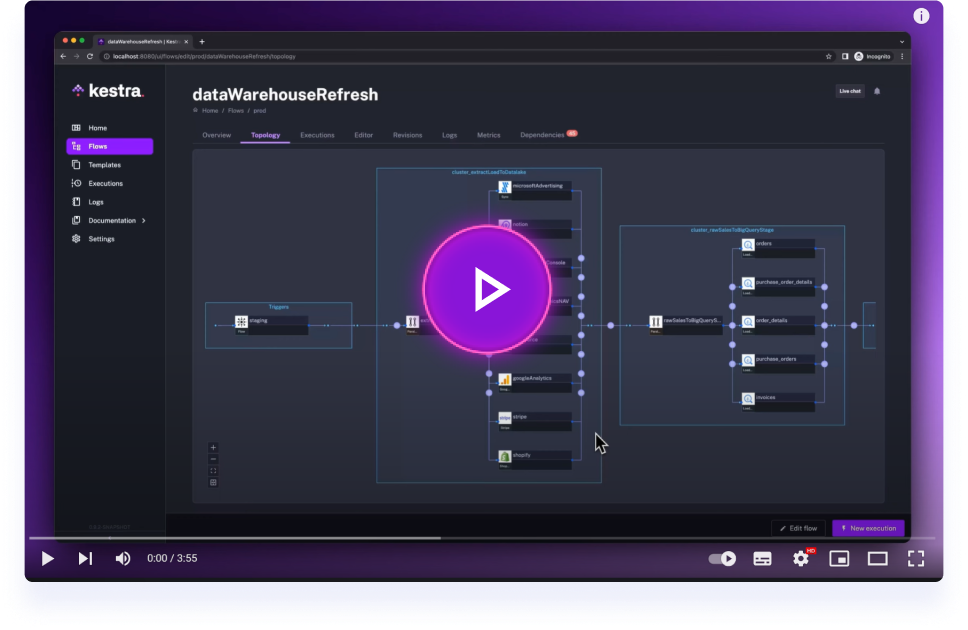
Get started with Kestra in 4 minutes.
Kestra client SDK in various language to interact with a running Kestra instance.
Documention is avaible on https://kestra.io/docs/api-reference/kestra-sdk
The repository currently ships SDKs for Python, Java, JavaScript, and Go. The snippets below show how to install each package, authenticate with either Basic credentials or a service account API key, and perform a basic flow lifecycle: create a flow, update it, then trigger a new execution.
- Install with
pip install kestrapy(Python 3.9+). - Configure
Configuration.hostwith the URL of your Kestra instance. - For Basic authentication set
configuration.usernameandconfiguration.password. For service accounts setconfiguration.access_tokento the API key and omit the username/password fields.
from kestrapy import KestraClient, Configuration
from kestrapy.exceptions import ApiException

tenant = "main"
namespace = "demo"
flow_id = "hello_from_sdk"

flow_yaml = """id: hello_from_sdk
namespace: demo

tasks:
  - id: log
    type: io.kestra.plugin.core.log.Log
    message: Hello from the SDK
"""

configuration = Configuration()
configuration.host = "https://<kestra-host>"
configuration.username = "user@kestra.io"
configuration.password = "password"  # replace with your Basic auth secrets
# Service account alternative:
# configuration = Configuration(host="https://<kestra-host>")
# configuration.access_token = "<service-account-api-key>"

client = KestraClient(configuration)

try:
    client.flows.create_flow(tenant, flow_yaml)

    updated_flow_yaml = """id: hello_from_sdk
namespace: demo

tasks:
  - id: log
    type: io.kestra.plugin.core.log.Log
    message: Hello after update
"""

    client.flows.update_flow(
        id=flow_id,
        namespace=namespace,
        tenant=tenant,
        body=updated_flow_yaml,
    )

    executions = client.executions.create_execution(
        namespace=namespace,
        id=flow_id,
        wait=True,
        tenant=tenant,
    )
    print("Execution ID:", executions[0].execution.id)
except ApiException as err:
print("Kestra API error:", err)- Add the dependency to your build:
io.kestra:kestra-api-client:1.0.0. - Basic authentication uses the builder method
.basicAuth(username, password). Service accounts call.tokenAuth("<service-account-api-key>")instead.
Maven
<dependency>
  <groupId>io.kestra</groupId>
  <artifactId>kestra-api-client</artifactId>
  <version>1.0.0</version>
</dependency>
Gradle (Kotlin DSL)
implementation("io.kestra:kestra-api-client:1.0.0")import io.kestra.sdk.KestraClient;
import io.kestra.sdk.api.FlowsApi;
import java.util.List;
public class KestraExample {
public static void main(String[] args) throws Exception {
KestraClient client = KestraClient.builder()
.url("https://<kestra-host>")
.basicAuth("user@kestra.io", "password")
.build();
// Service account alternative:
// KestraClient client = KestraClient.builder()
// .url("https://<kestra-host>")
// .tokenAuth("<service-account-api-key>")
// .build();
String tenant = "main";
String namespace = "demo";
String flowId = "hello-from-sdk";
String flowYaml = """
id: hello-from-sdk
namespace: demo
tasks:
- id: log
type: io.kestra.plugin.core.log.Log
message: Hello from the SDK
""";
FlowsApi flows = client.flows();
flows.createFlow(tenant, flowYaml);
String updatedFlowYaml = """
id: hello-from-sdk
namespace: demo
tasks:
- id: log
type: io.kestra.plugin.core.log.Log
message: Hello after update
""";
flows.updateFlow(flowId, namespace, tenant, updatedFlowYaml);
var executions = client.executions()
.createExecution(namespace, flowId, true, tenant, null, null, null, null, null);
System.out.println("Execution ID: " + executions.get(0).getExecution().getId());
}
}- Install with
npm install @kestra-io/kestra-sdkoryarn add @kestra-io/kestra-sdk. - Instantiate
KestraClientwith(host, accessToken, username, password). Supply either an access token for service accounts or username/password for Basic auth.
import KestraClient from "@kestra-io/kestra-sdk";

const tenantId = "main";
const namespace = "demo";
const flowId = "hello_from_sdk";

const flowYaml = `id: hello_from_sdk
namespace: demo

tasks:
  - id: log
    type: io.kestra.plugin.core.log.Log
    message: Hello from the SDK
`;

const client = new KestraClient(
  "https://<kestra-host>",
  null,
  "user@kestra.io",
  "password"
);
// Service account alternative:
// const client = new KestraClient("https://<kestra-host>", "<service-account-api-key>");

await new Promise((resolve, reject) =>
  client.flowsApi.createFlow(tenantId, flowYaml, (err, data) => (err ? reject(err) : resolve(data)))
);

const updatedFlowYaml = `id: hello_from_sdk
namespace: demo

tasks:
  - id: log
    type: io.kestra.plugin.core.log.Log
    message: Hello after update
`;

await new Promise((resolve, reject) =>
  client.flowsApi.updateFlow(flowId, namespace, tenantId, updatedFlowYaml, (err, data) => (err ? reject(err) : resolve(data)))
);

await new Promise((resolve, reject) =>
  client.executionsApi.createExecution(namespace, flowId, true, tenantId, {}, (err, data) => (err ? reject(err) : resolve(data)))
);- Pull the module into your project with
go get github.com/kestra-io/client-sdk/go-sdk@latest. - Update the first server entry (
cfg.Servers[0].URL) so the client points to your Kestra host. - For Basic authentication wrap the request context with
ContextBasicAuth. To use a service account, setContextAccessTokeninstead.
package main

import (
    "context"
    "fmt"
    "log"

    kestra "github.com/kestra-io/client-sdk/go-sdk/kestra_api_client"
)

func main() {
    cfg := kestra.NewConfiguration()
    cfg.Servers[0].URL = "https://<kestra-host>"

    client := kestra.NewAPIClient(cfg)

    ctx := context.WithValue(context.Background(), kestra.ContextBasicAuth, kestra.BasicAuth{
        UserName: "user@kestra.io",
        Password: "password",
    })
    // Service account alternative:
    // ctx := context.WithValue(context.Background(), kestra.ContextAccessToken, "<service-account-api-key>")

    tenant := "main"
    namespace := "demo"
    flowID := "hello-from-sdk"

    flowYaml := `id: hello-from-sdk
namespace: demo

tasks:
  - id: log
    type: io.kestra.plugin.core.log.Log
    message: Hello from the SDK
`

    if _, _, err := client.FlowsAPI.CreateFlow(ctx, tenant).Body(flowYaml).Execute(); err != nil {
        log.Fatal(err)
    }

    updatedYaml := `id: hello-from-sdk
namespace: demo

tasks:
  - id: log
    type: io.kestra.plugin.core.log.Log
    message: Hello after update
`

    if _, _, err := client.FlowsAPI.UpdateFlow(ctx, flowID, namespace, tenant).Body(updatedYaml).Execute(); err != nil {
        log.Fatal(err)
    }

    executions, _, err := client.ExecutionsAPI.CreateExecution(ctx, namespace, flowID, tenant).Wait(true).Execute()
    if err != nil {
        log.Fatal(err)
    }

    fmt.Println("Execution ID:", executions[0].GetId())
}- Generate openapi from Kestra-EE:
./gradlew clean build updateOpenapiVersion -xtest - Move
kestra-ee.ymlfromwebserver-ee/build/classes/java/main/META-INF/swaggerto the root of the SDK repository - If you introduced a new controller with a new kind of entity and it has a new OpenAPI / Swagger tag, you should add it there
java/configuration/java-config.yml(and for all SDK that must support it) in openapiNormalizer.FILTER (it's an opt-in for each tag) - Generate the SDKs using
TMP=$(pwd) && $TMP/generate-sdks.sh 1.0.10 java && $TMP/generate-sdks.sh 1.0.12 javascript && $TMP/generate-sdks.sh 1.0.10 python && $TMP/generate-sdks.sh 1.0.1 go(change the version to SDK-current-version + 1) - Create the tests for the added functionality in each SDK tests folder
- Run tests of all SDKs:
TMP=~/IdeaProjects/client-sdk && cd $TMP/java/java-sdk && chmod 755 gradlew && ./run-tests.sh develop && cd $TMP/go-sdk && bash ./run-tests.sh develop && cd $TMP/javascript && bash ./run-tests.sh develop && cd $TMP/python/python-sdk && bash ./run-tests.sh develop - ⚠ If an existing test fails, you're probably introducing a breaking change (or someone's prior commit did). If that's the case, make sure it's safe to introduce that before merging
- Commit and make a PR
Apache 2.0 © Kestra Technologies
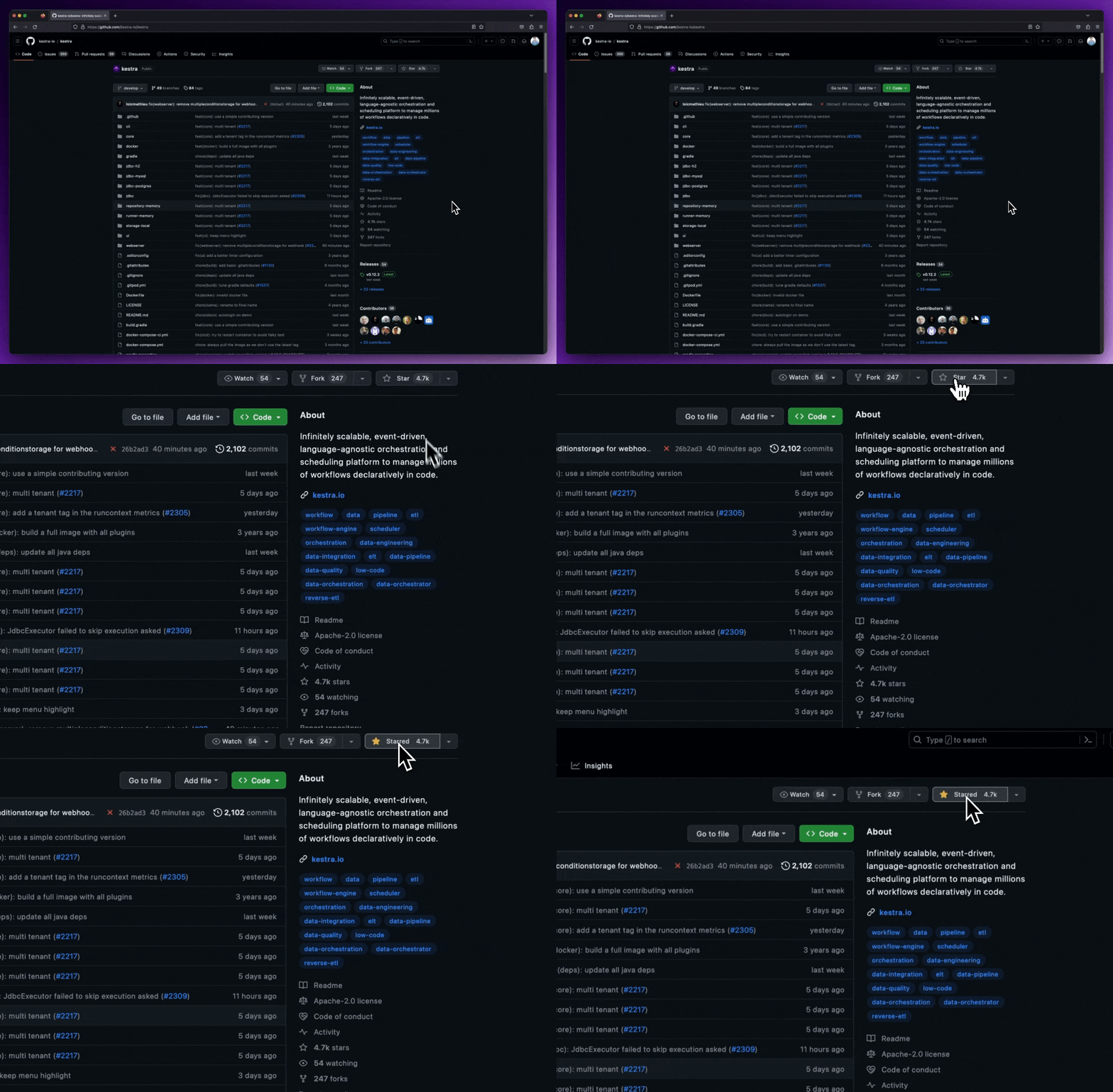
We release new versions every month. Give the main repository a star to stay up to date with the latest releases and get notified about future updates.