Navigate and view search results quickly with shortcuts.
Search Select provides a way to use your keyboard to view and open search results. Using your keyboard is a much faster and more efficient way to work as you don’t have to lift your hands from the keyboard every time you search.
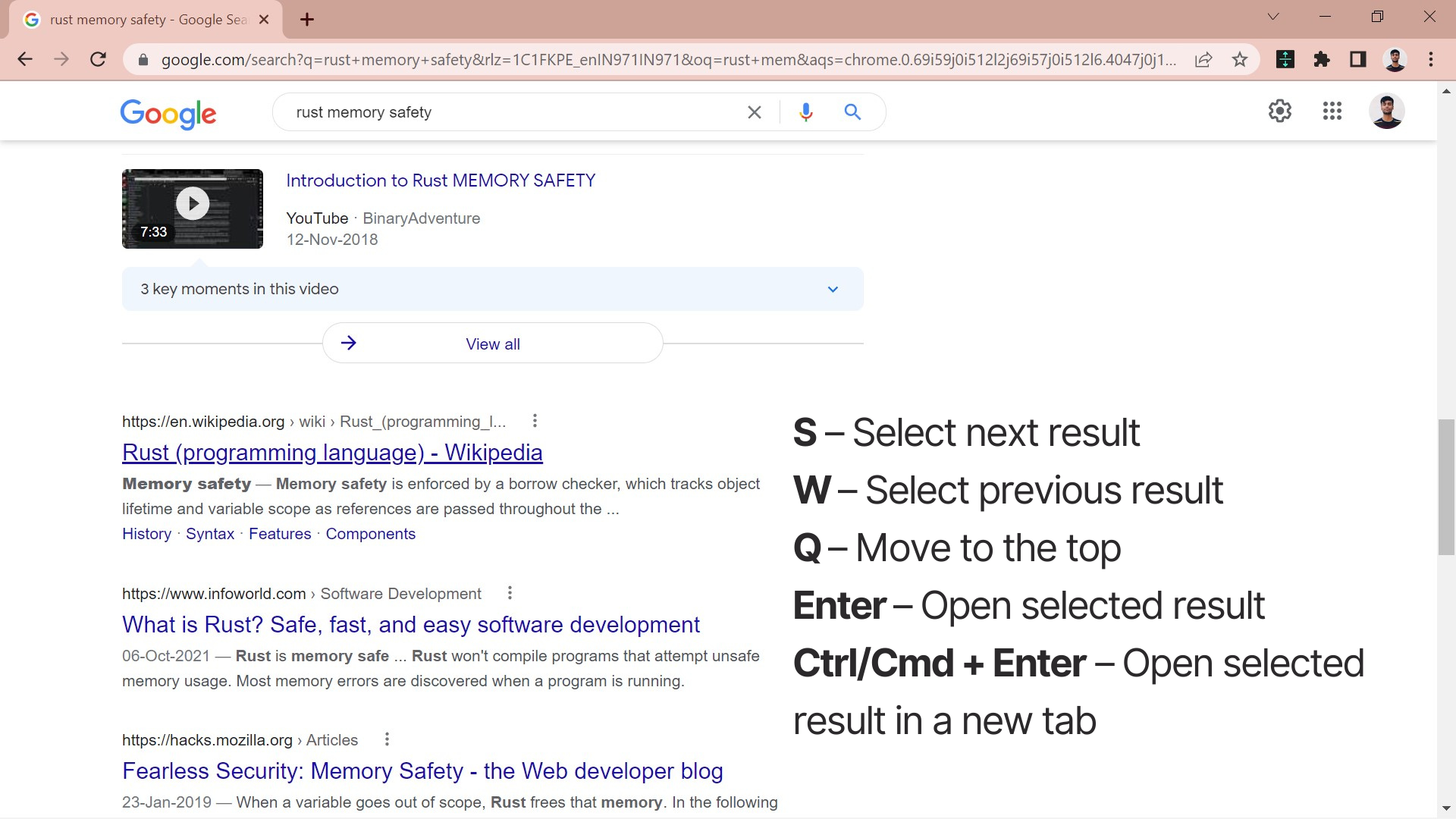
- S - Select next result
- W - Select previous result
- Q - Move to the top
- Enter - Open selected result
- Ctrl/Cmd + Enter - Open the selected result in a new tab
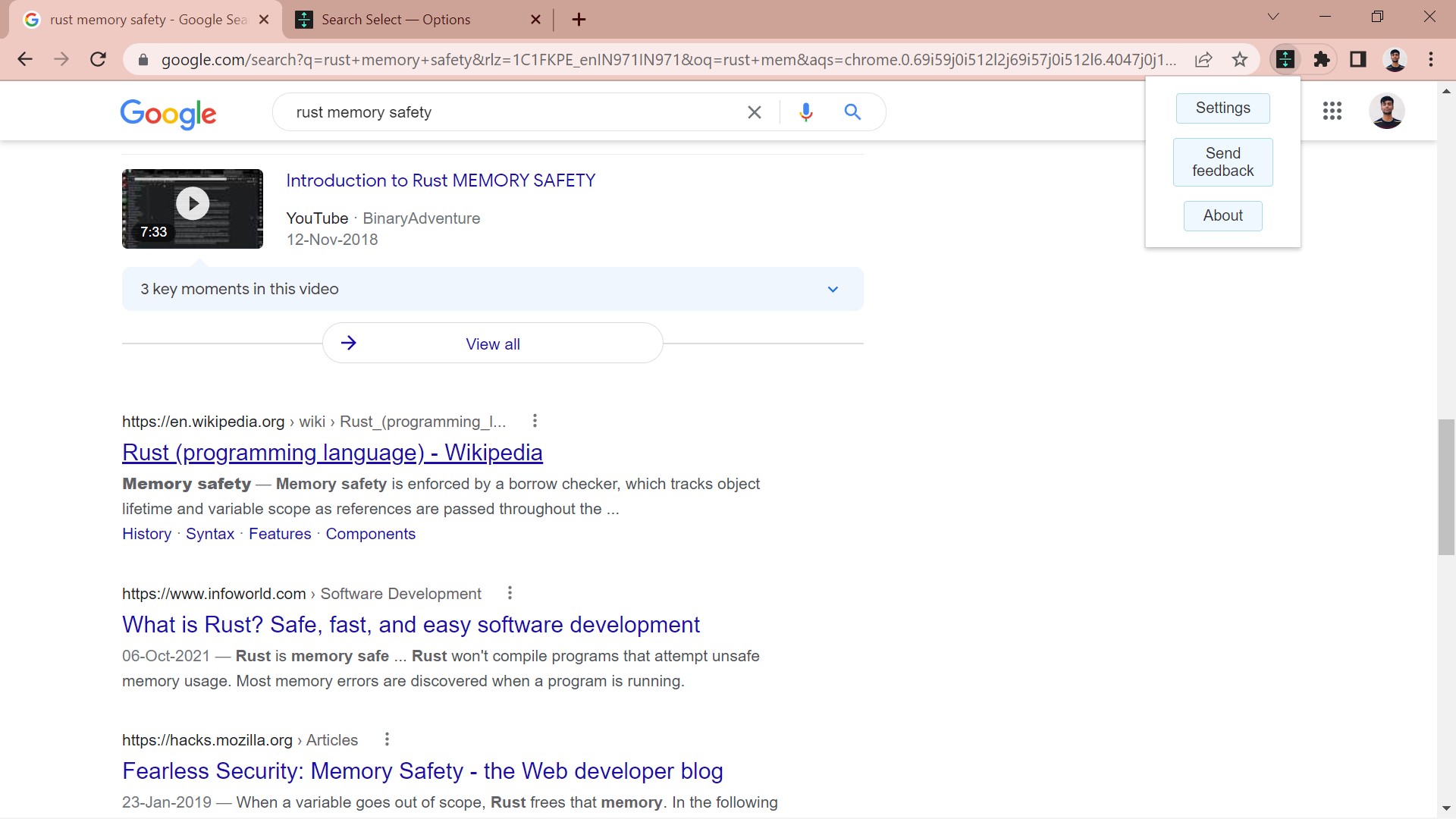
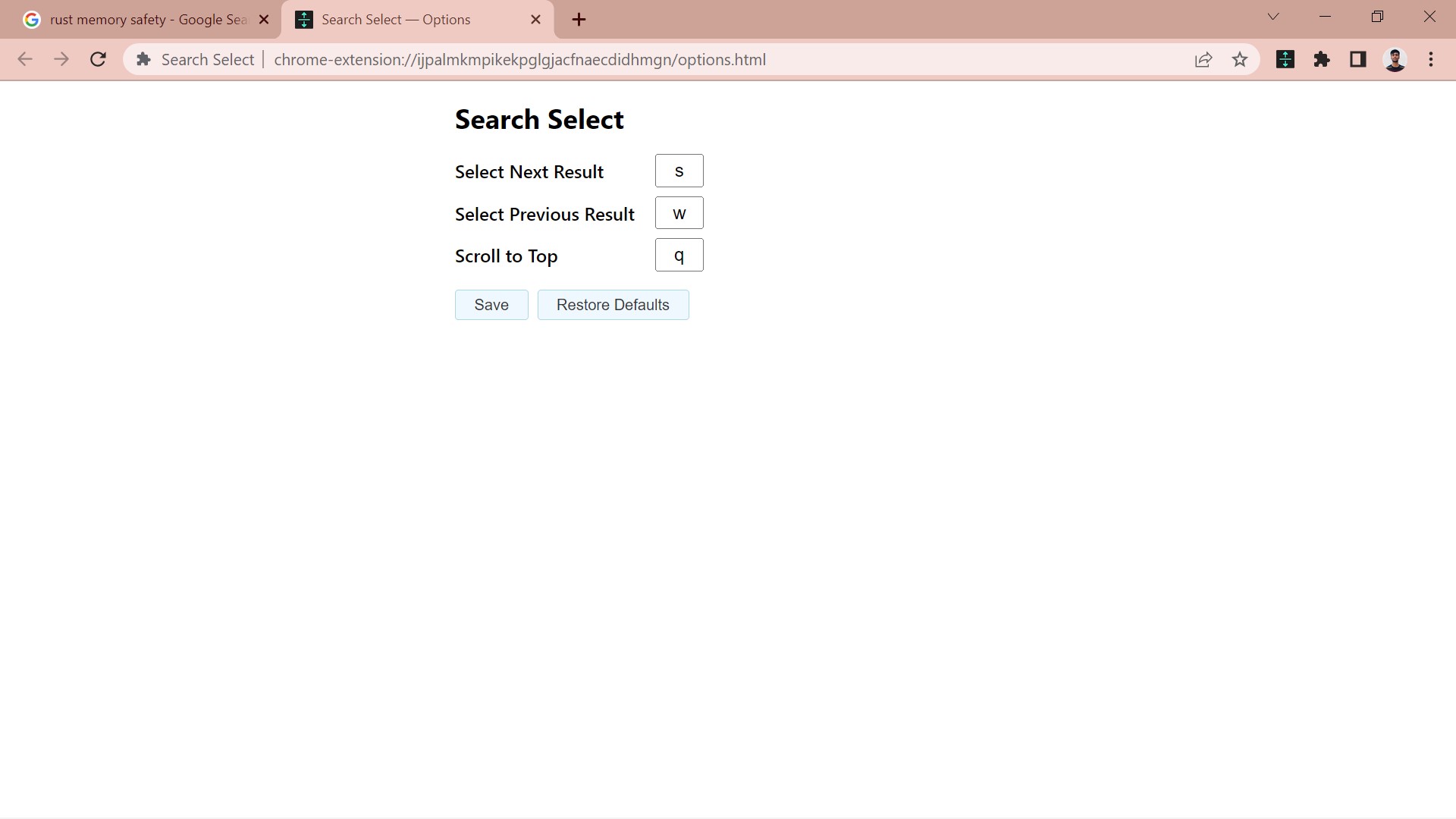
You can customize the shortcut keys by heading to the extension’s settings page if you prefer your own key bindings.