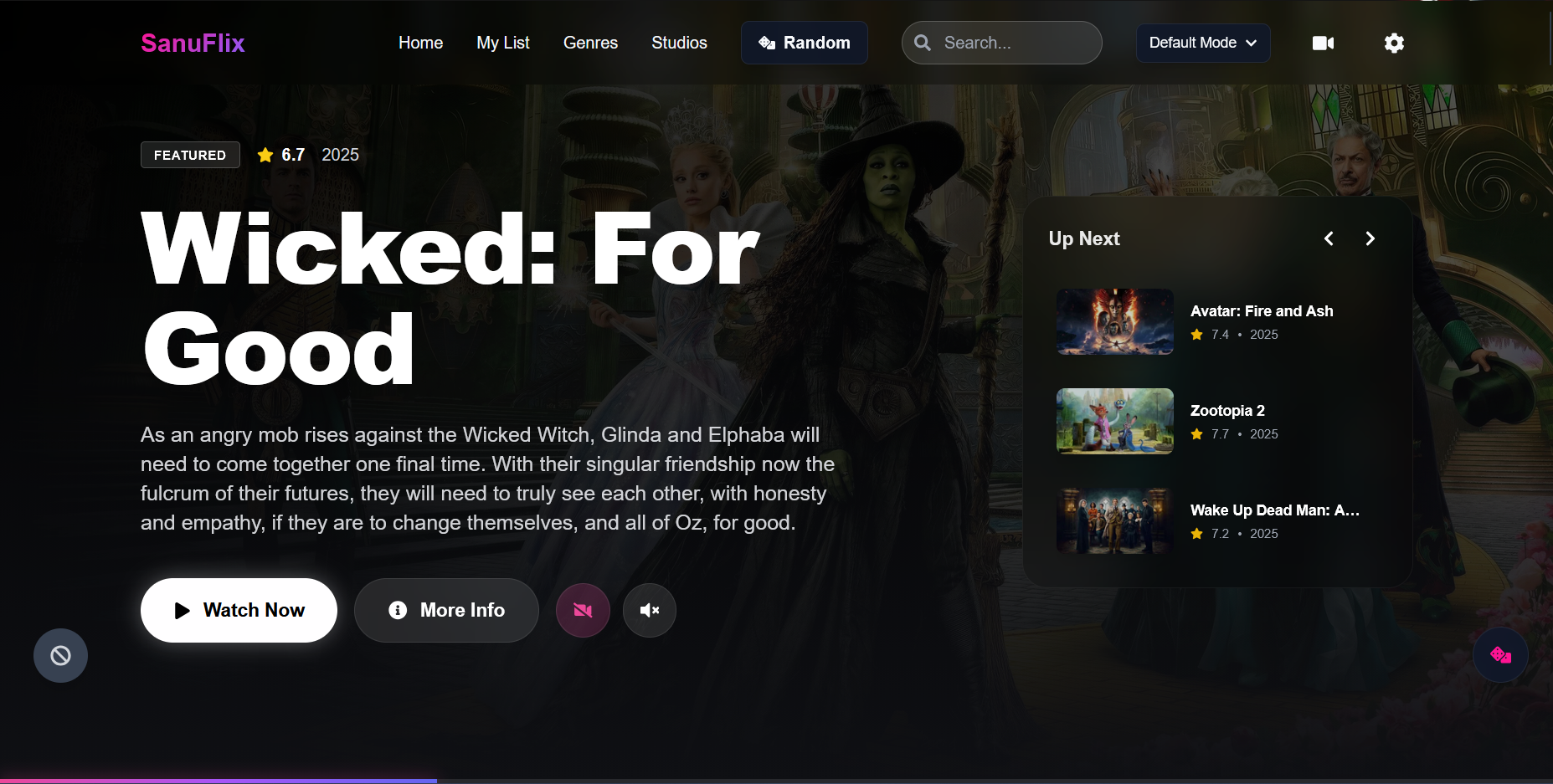


Warning
Legal Disclaimer: This application does not host, store, or distribute any movies, TV shows, or copyrighted content. All video content is provided by third-party embed servers that are configured by the user. The developer is not responsible for any content accessed through this application. Use at your own risk and ensure compliance with your local laws. pls contact me here if any issues https://t.me/sunglasszoro
git clone https://github.com/Sanuu7/SanuFlix-opensource
cd sanuflix-opensource
npm installcp .env.example .envEdit .env:
# Required: Get free at https://themoviedb.org/settings/api
VITE_TMDB_API_KEY=your_tmdb_api_key_here

# Optional
VITE_SPORTS_API_URL=
VITE_APP_NAME=SanuFlix
VITE_LOGO_URL=Edit src/config/servers.ts with your embed server URLs:
export const STREAMING_SERVERS: StreamingServer[] = [
  {
    id: 'server1',
    name: 'Server 1',
    description: 'Primary streaming server',
    isActive: true,
    movieUrlTemplate: 'https://your-embed.example/movie/{tmdbId}',
    tvUrlTemplate: 'https://your-embed.example/tv/{tmdbId}/{season}/{episode}',
  },
]npm run dev- Push your configured repo to GitHub
- Go to Cloudflare Pages Dashboard
- Click Create a project → Connect to Git
- Select your repository
- Configure build settings:
- Framework preset:
Vite - Build command:
npm run build - Build output directory:
dist
- Framework preset:
- Add environment variables:
VITE_TMDB_API_KEY= your TMDB key
- Click Save and Deploy
# Install Wrangler
npm install -g wrangler

# Login to Cloudflare
wrangler login

# Build the project
npm run build

# Deploy
wrangler pages deploy dist --project-name=sanuflix- 🎨 Modern UI with Tailwind CSS
- 📱 PWA - Installable on any device
- 🎭 Multiple color themes
- 🔍 Search movies & TV shows
- 📺 Multi-server support
- ⚡ Fast with Vite + React
React 18 • TypeScript • Vite • Tailwind CSS • Framer Motion
| File | Purpose |
|---|---|
.env |
API keys |
src/config/servers.ts |
Embed server URLs |
src/config/themes.ts |
Color themes |
npm run dev      # Development
npm run build    # Production build
npm run preview  # Preview build
npm run lint     # Lint code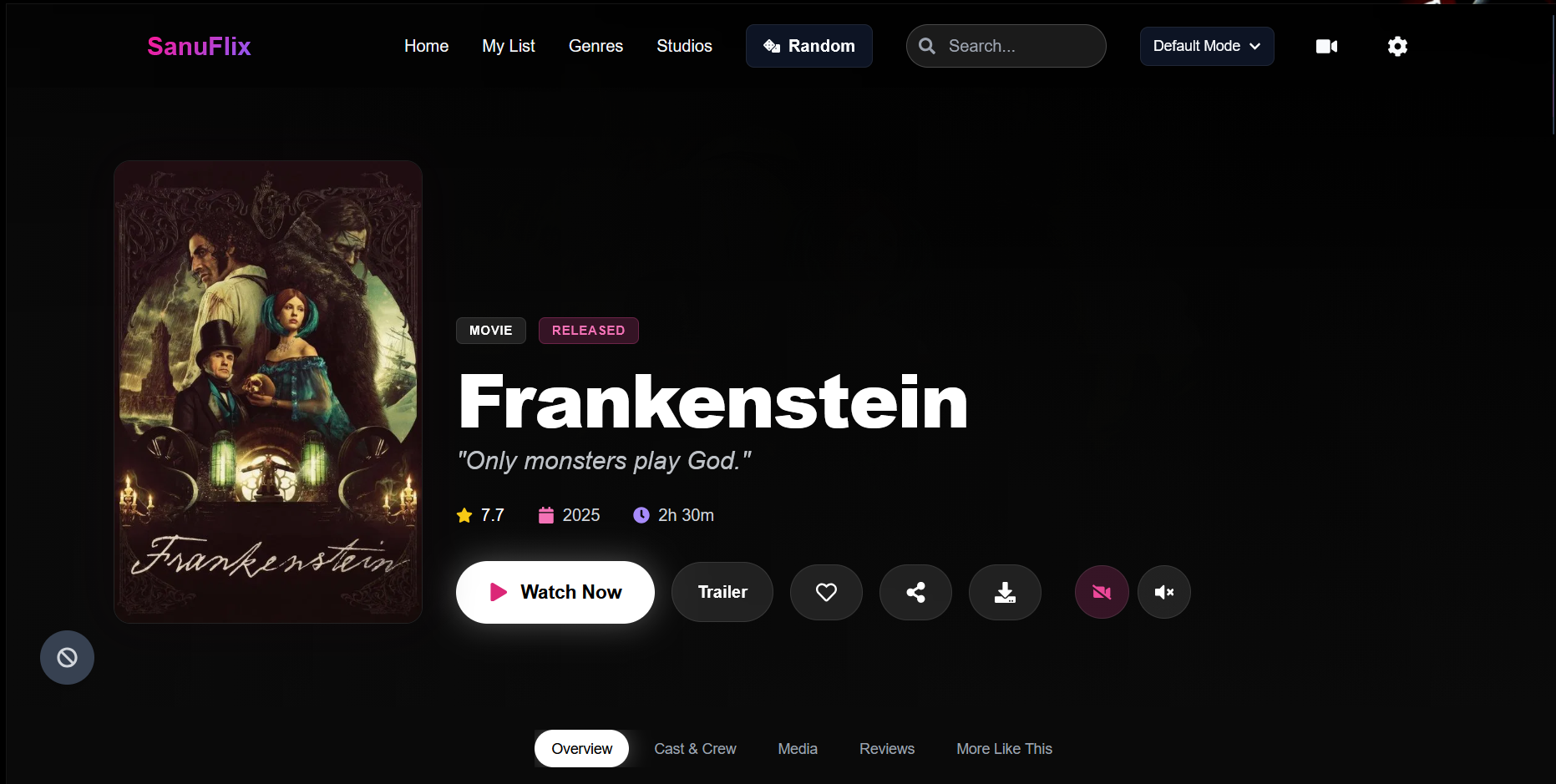
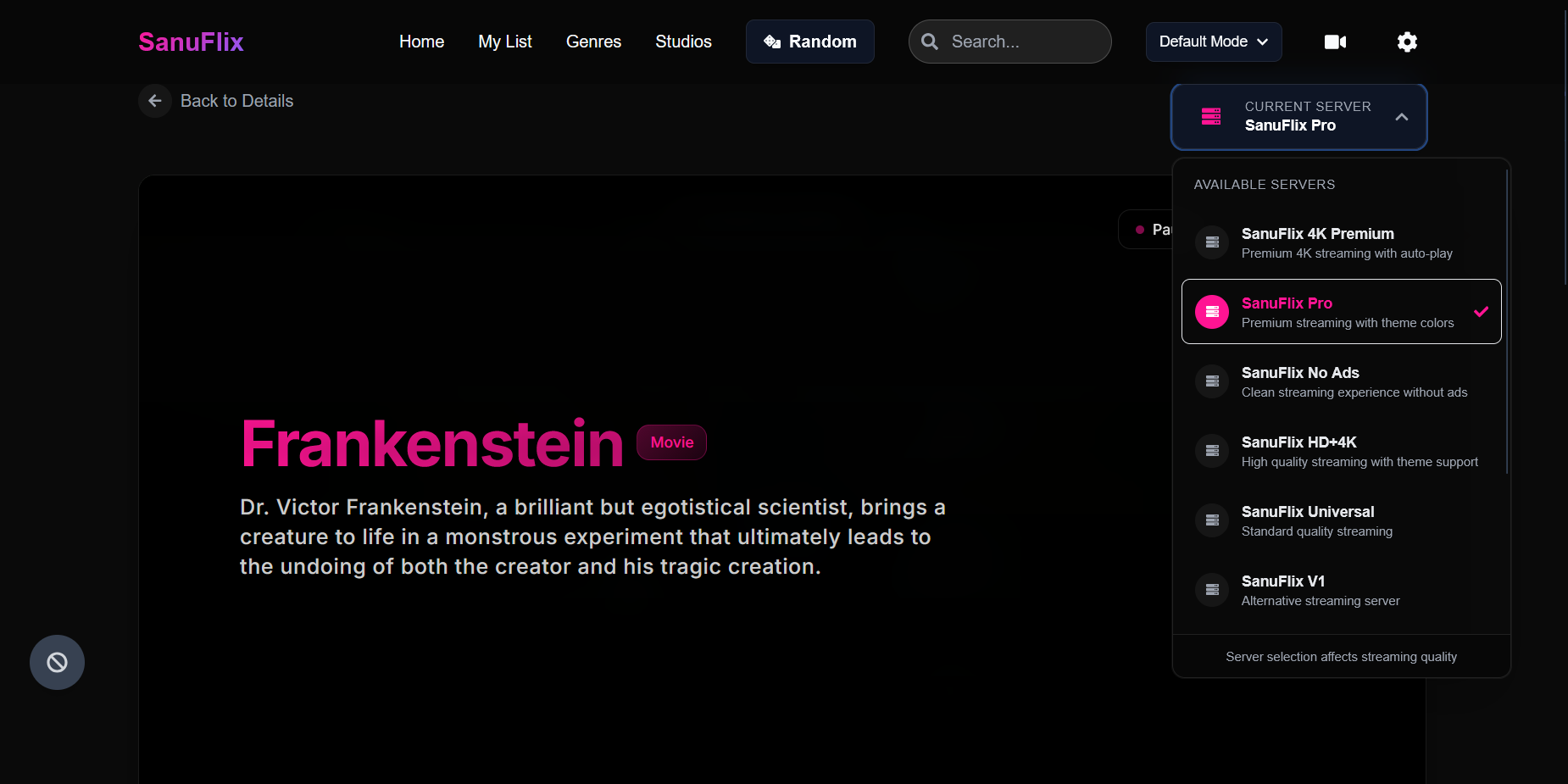
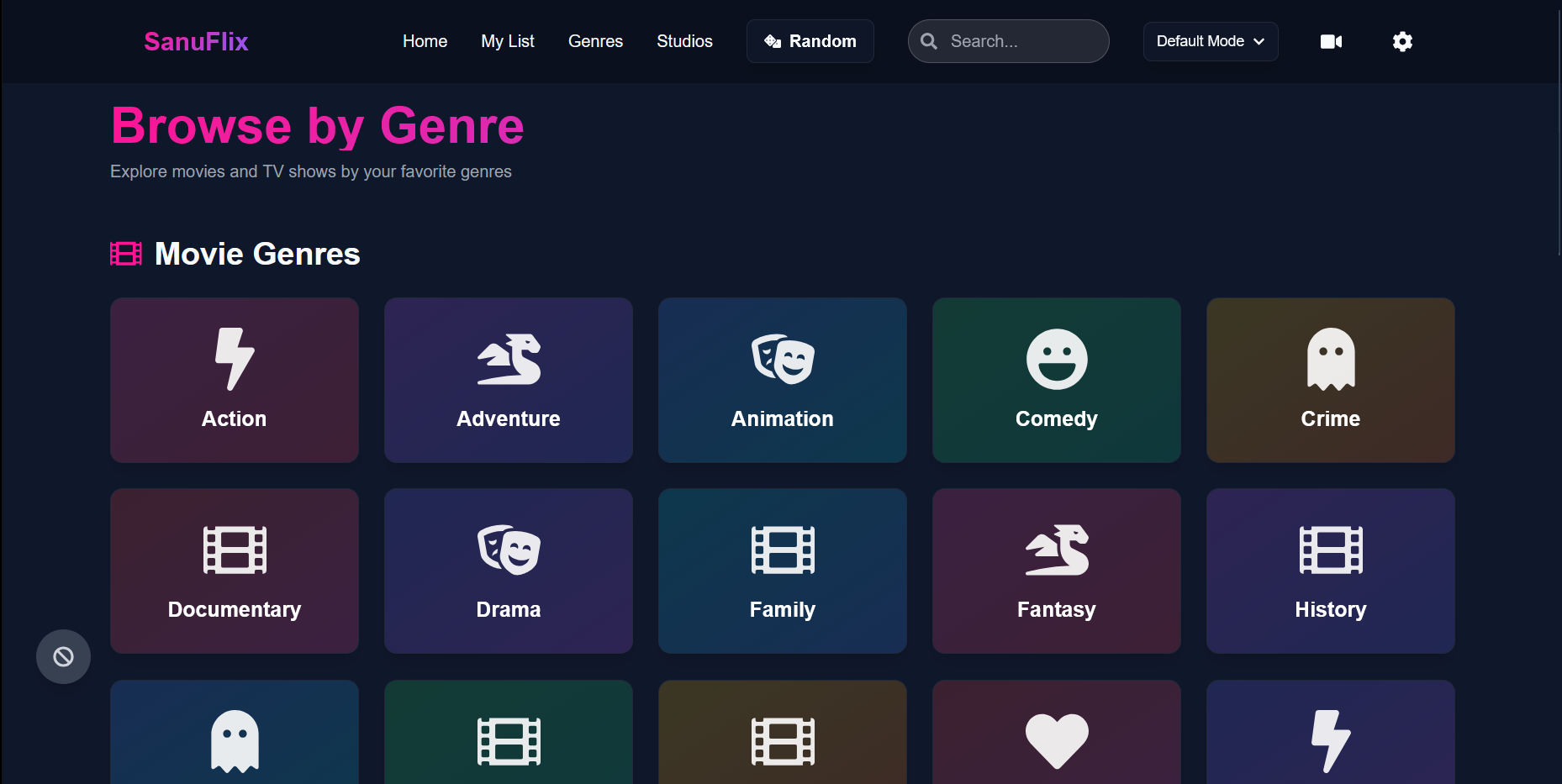
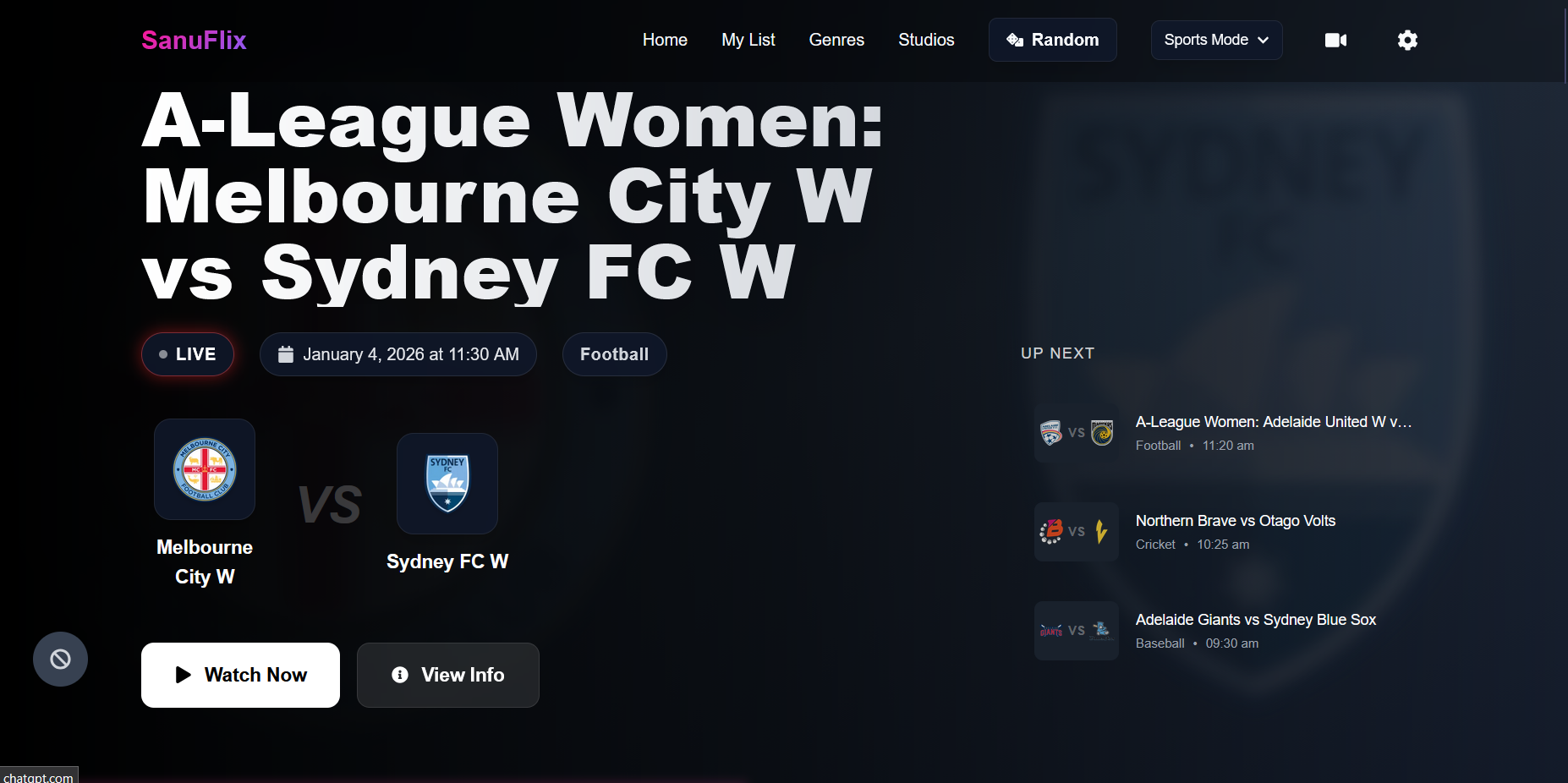


💡 Check out the Live Instance for a better experience!
This project is licensed under the MIT License.
Made with ❤️ by Sanuu