A PWA to make authenticating into the Moho resident space 👌 simple, 📈 scalable, & 🔐 secure.
 |
 |
 |
Install all dependencies & begin running the development server:
npm i && npm run dev
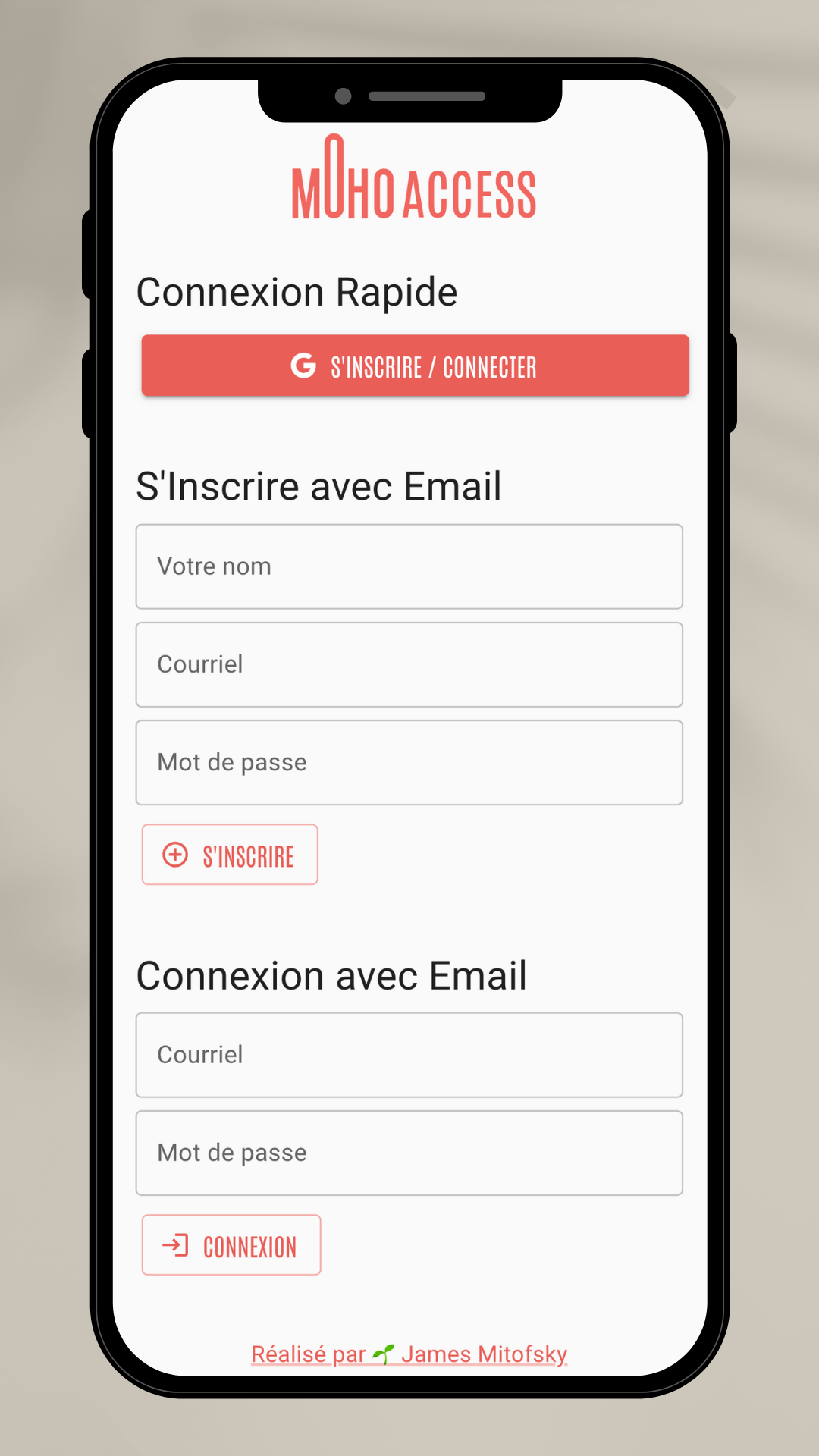
The app provides two types of access to the QR codes which unlock Moho's resident space. Authorization can be based on:
- Individuals who have registered an account & then been authorized by an admin.
- Global Keys, where anyone who knows the value of the key has access (eg. anyone who knew a hypothetical key like
github-at-mohowould be able to bypass authentication by using the /key directory).
Access to the codes & the app are secured by rules on the server. These rules are beyond the control of any app user, regardless of their level of database access. This means Cloud Firestore processes these security rules secretely, immutably, & only for expected domains.
The Moho coworking space has two authentication solutions to their private resident space:
- An individual badge with assignable authorities for accessing certain parts of the building.
This works perfectly for people actually holding the resident status, as they're the principal occupants of the space.
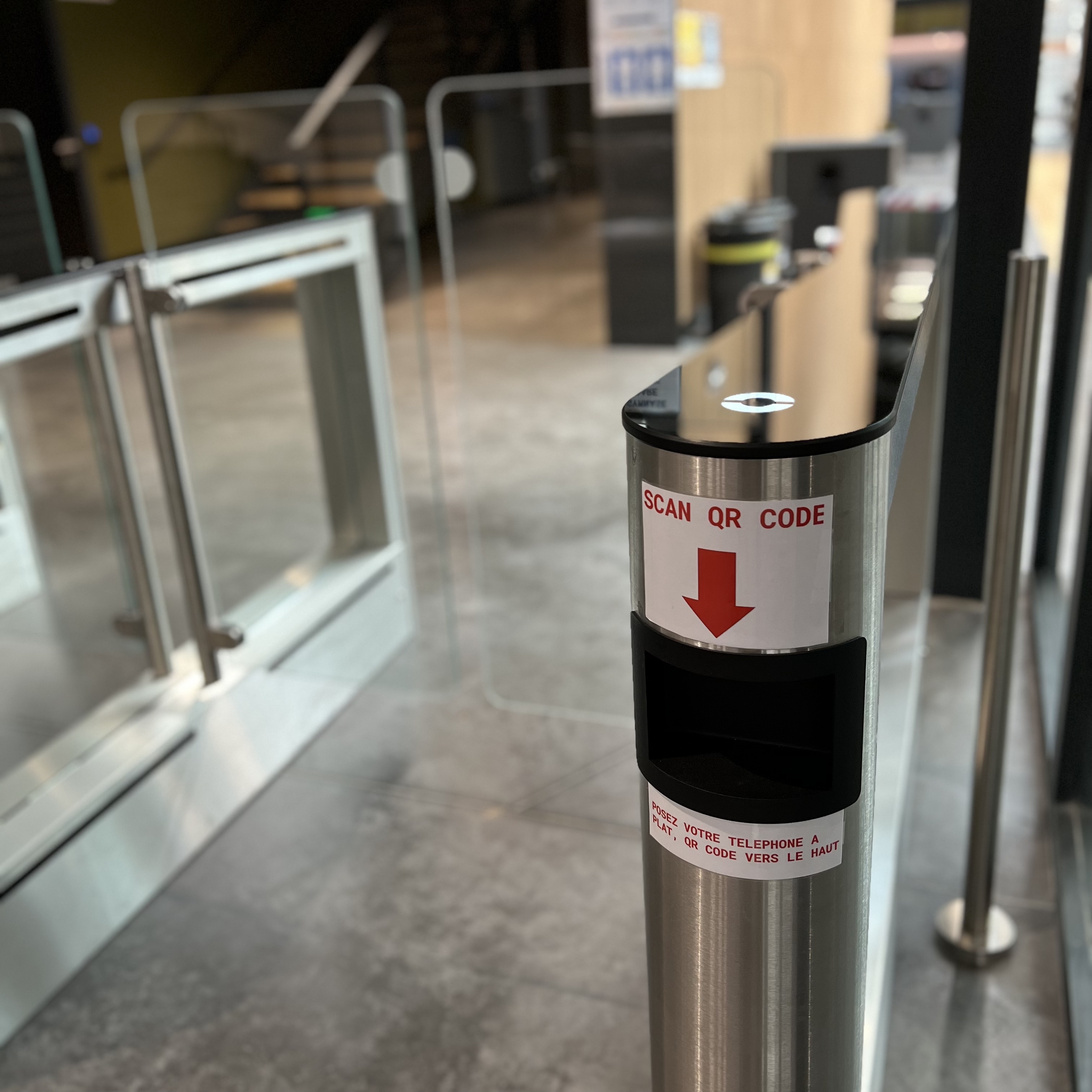
- A QR code which opens turnstile gates into the resident space.
This is much more suited to the enterprises which rent out various rooms contained within the resident space. Because this groups are often large, their presence brief, and the scope of their access limited to getting past the turnstile, their needs can be met with a simpler solution.
Working with the QR codes is a manual and finicky process.
If it's in paper form, this becomes an easily lost access token. If it's a photo of the paper, users are left trying to align the picture just right underneath the scanner's view.
In my experience, I've been using the Moho QR codes to access the resident space for months, and getting the photo of the correct day's code on my phone to line up with the code scanner was a hassel.
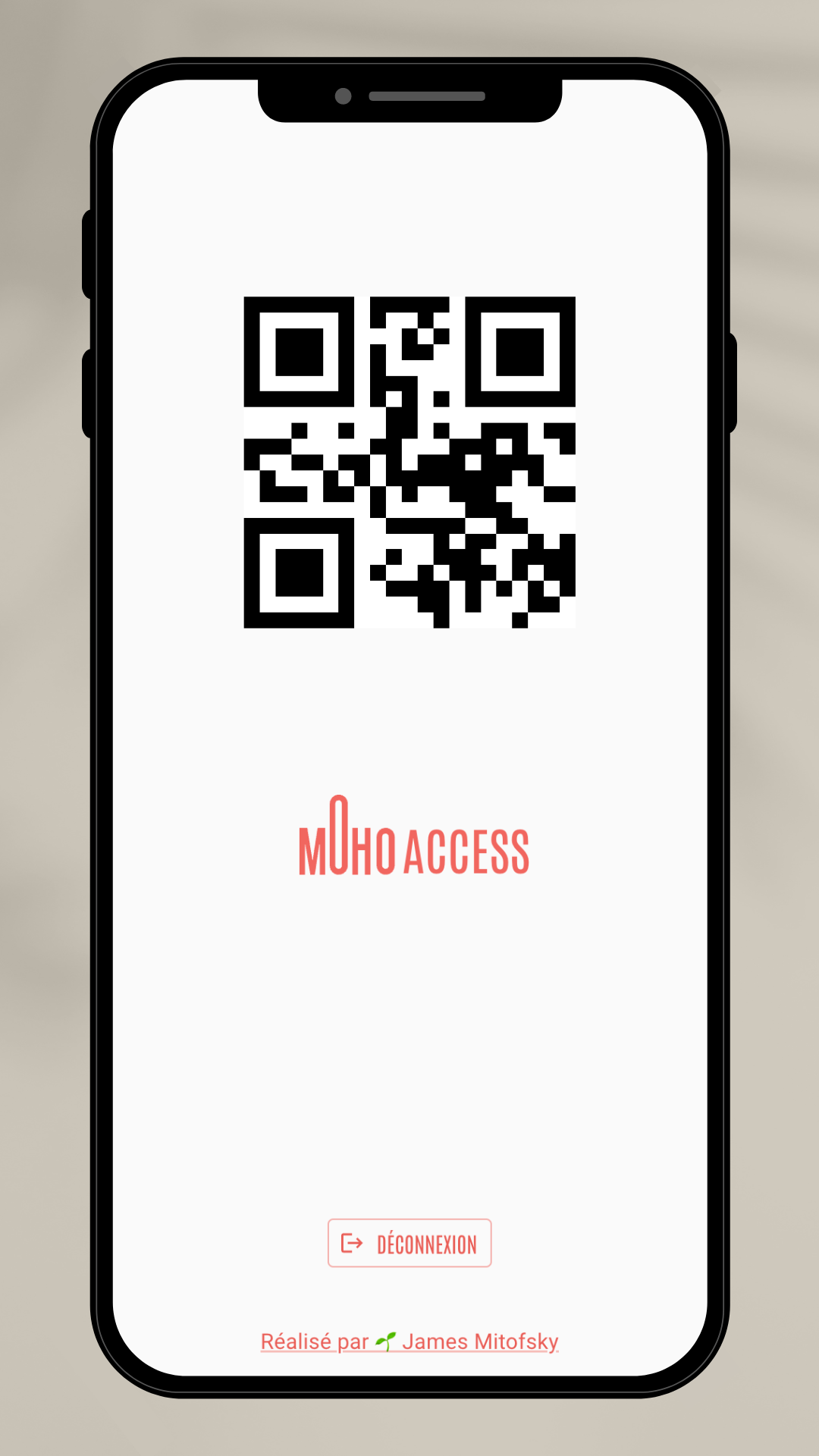
Improve convenience and security by moving the QR code to a web-app.
-
Access: The transition from walking toward the get to having a code ready should be as easy as possible, avoiding user frustration or congestion at the turnstile. A link on the user's phone or — better still — a PWA on their homescreen meets this need of immediate access.
-
Scanning: The app format means the position of the code can be controlled to fit in the exact placement best for the scanner, removing guesswork for how to line up the phone beneath it. Instead, users can slide the phone into the scanner on the bottom panel.
-
Updates: Because the QR code scanners are not easy to update, they are not frequently attended to. This is not a user failure, but shortcoming in the design of the system to find a practical solution to best security practices. Resultantly, this work can be exported to automation.
-
Distribution: Contrary to losing control over a paper or photo copy of a QR code, in a digital system, access can be assigned and revoked from an admin panel. Even without integration into the turnstile hardware, dynamically closing access is an easy first step to begin tying up loose ends.
- A photograph of each QR code for every day of the week, manually lined up beneath the scanner.
- A small, unsecured React app deployed on Glitch as a proof of concept. This automatically provided the correct code for the day & provided ideal position & sizing for the scanner.
- From the 2nd version emerged the 3rd, made secure by Firebase Auth & Cloud Firestore. For a better developer experience, the app was converted to the Vite build engine.
- Finally, this 4th version expanded on the last by adding Next.js, solving for routing complexity & content delivery speed across page reloads.
Connect to Firebase's Authentication and Firestore. In this use case, the following collection structure is being used:
// qr code information for scanner login at Moho
loginCodes {
    code: QR_CODE_VALUE, // number
    weekday: DAY_OF_WEEK // string
}

// any users who successfully registered through Firebase Auth
// each user document in this collection should have a document ID which is identical to the user's UID
users {
	authProvider: CREATION_POINT,	 // string
	created: FIREBASE_TIMESTAMP_OBJ, // obj
	email: EMAIL,                    // string
	name: NAME, 			 // string
	uid: UNIQUE_ID 			 // string
}

// any user which has been given access to the system
userRoles {
	email: EMAIL,                    // string
	uid: UNIQUE_ID, 		 // string
	roles: {			 // obj
	    resident: BOOL,		 // bool
	    admin: BOOL			 // bool
	}
}