





Ultimate Text Selection Translator is a powerful Tampermonkey userscript that allows you to instantly translate any selected text on any website using a customizable keyboard shortcut or the built-in floating translation button. No copy-paste, no external tools: translation happens directly on the page.
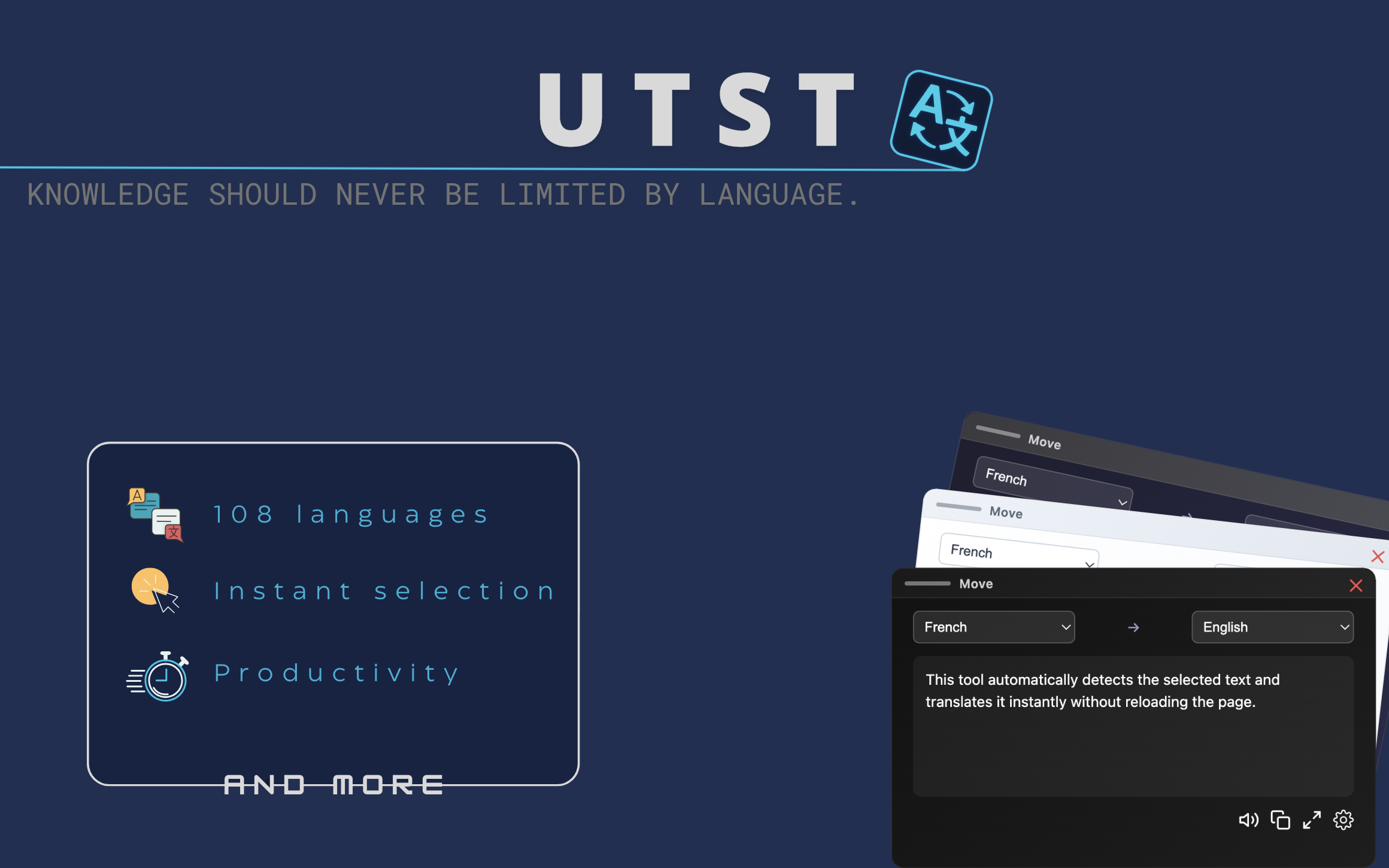
- Instant translation using a customizable keyboard shortcut (default: Ctrl + L)
- Automatic source language detection
- Translation into the browser’s default language
- One-click translation button directly on text selection
- Integrated text-to-speech for translated content
- Stable audio playback with instant stop control
- Customizable translation keyboard shortcut
- Global theme system (Blue, Dark, Light)
- Per-site control with built-in blacklist
- Works on all websites without configuration
- Fast, lightweight, and optimized for smooth browsing
Select any text on a webpage and use your configured keyboard shortcut to instantly translate it without leaving the page. The default shortcut is Ctrl + L, and it can be changed from the script settings.
You can also use the automatic selection button that appears at the end of highlighted text for one-click translation. This feature can be disabled globally or per-site from the settings.


- Install a userscript manager such as Tampermonkey (recommended) or Violentmonkey.
- Click Install Ultimate Text Selection Translator above or install it from GreasyFork.
- Select any text on a webpage and translate it instantly using either the keyboard shortcut or the floating translation button.
For detailed installation instructions, see the Installation Guide.
Ultimate Text Selection Translator was created on May 17, 2025.
The script uses `translate.googleapis.com` for translation requests. All translations are performed directly from your browser without requiring an API key.
Feedback, bug reports, and improvement suggestions are welcome.
Developed and maintained by Dℝ∃wX (GitHub: DREwX-code).
Project designed with a focus on speed, simplicity, and seamless user experience.
This project is licensed under the Apache License 2.0.
You are free to use, modify, and redistribute it under the terms of the license.