This is a small sample project I used for learning Rust and experimenting with Webassembly.
Try the browser version to play with it instantly or compile on your desktop!
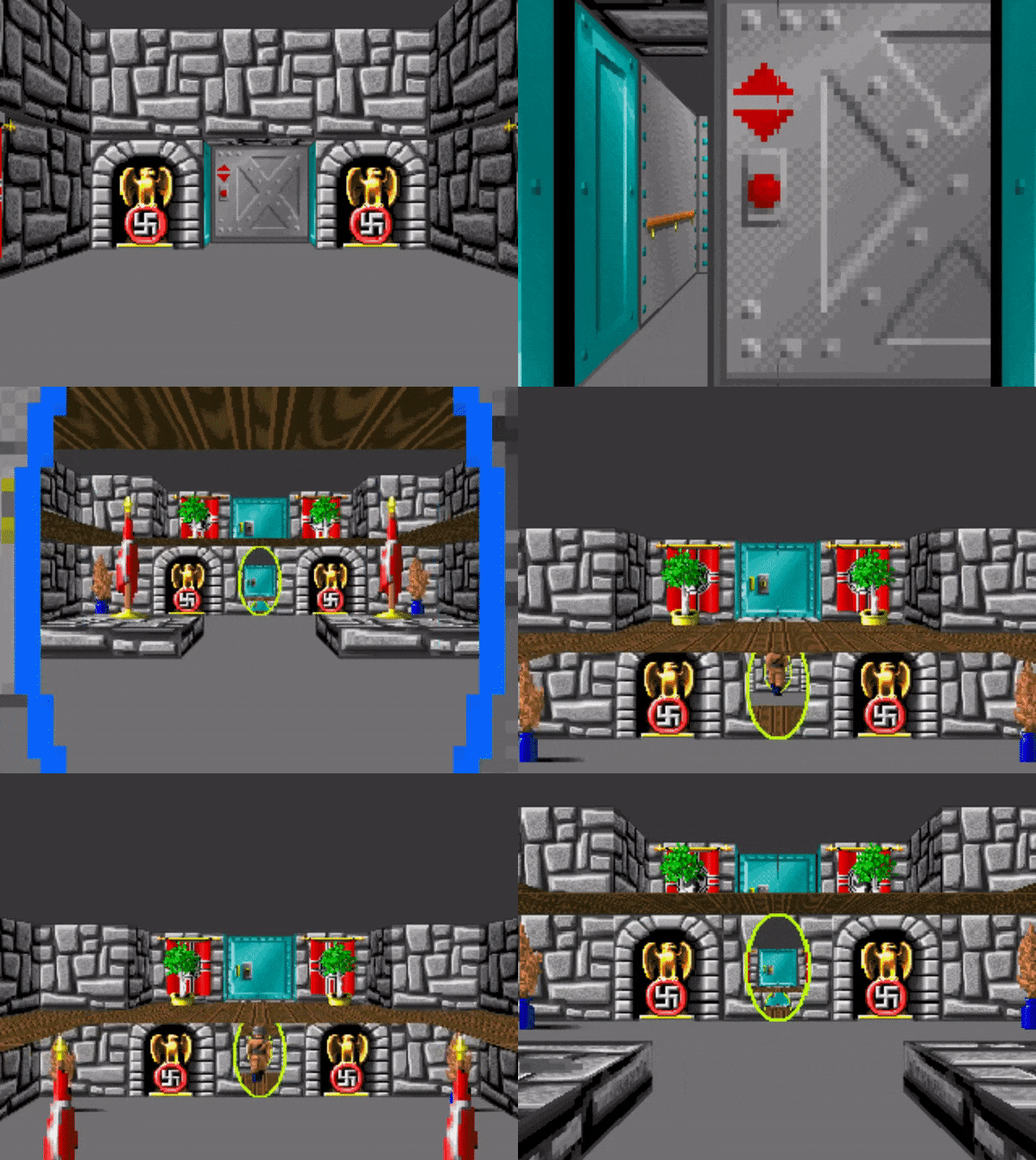
| Controls | Qwerty | Azerty |
|---|---|---|
| Move Forward | W |
Z |
| Look Left | A |
Q |
| Move Backward | S |
S |
| Look Right | D |
D |
| Jump | SPACE |
SPACE |
| Interact | F |
F |
The package can be built using wasm-pack.
wasm-pack build --realeaseYou can create an application:
npm init wasm-app my-appThen run npm link in the pkg/ directory and run npm link wasm in the root of the application.
Add a canvas in the body of the index.html file:
<head>
  <style>
    #canvas {
        width: 640px;
        height: 480px;
    }
  </style>
</head>
<body>
 ...
<canvas id="canvas"></canvas>
...
</body>
And add this code the the index.js
import {Game} from "wasm";

const map = {
  "cells": [],
  "portals": [],
  "sprites": []
};

const game = new Game(map, 320, 240);
window.addEventListener("keydown", function (event) {
    if (!event.defaultPrevented && !event.repeat) {
        game.process_event(event.which, true);
    }
});
window.addEventListener("keyup", function (event) {
    game.process_event(event.which, false);
});

function loop() {
    game.update(1 / 30); //30 FPS
    requestAnimationFrame(loop);
}
renderLoop();
Then run:
npm install
npm start