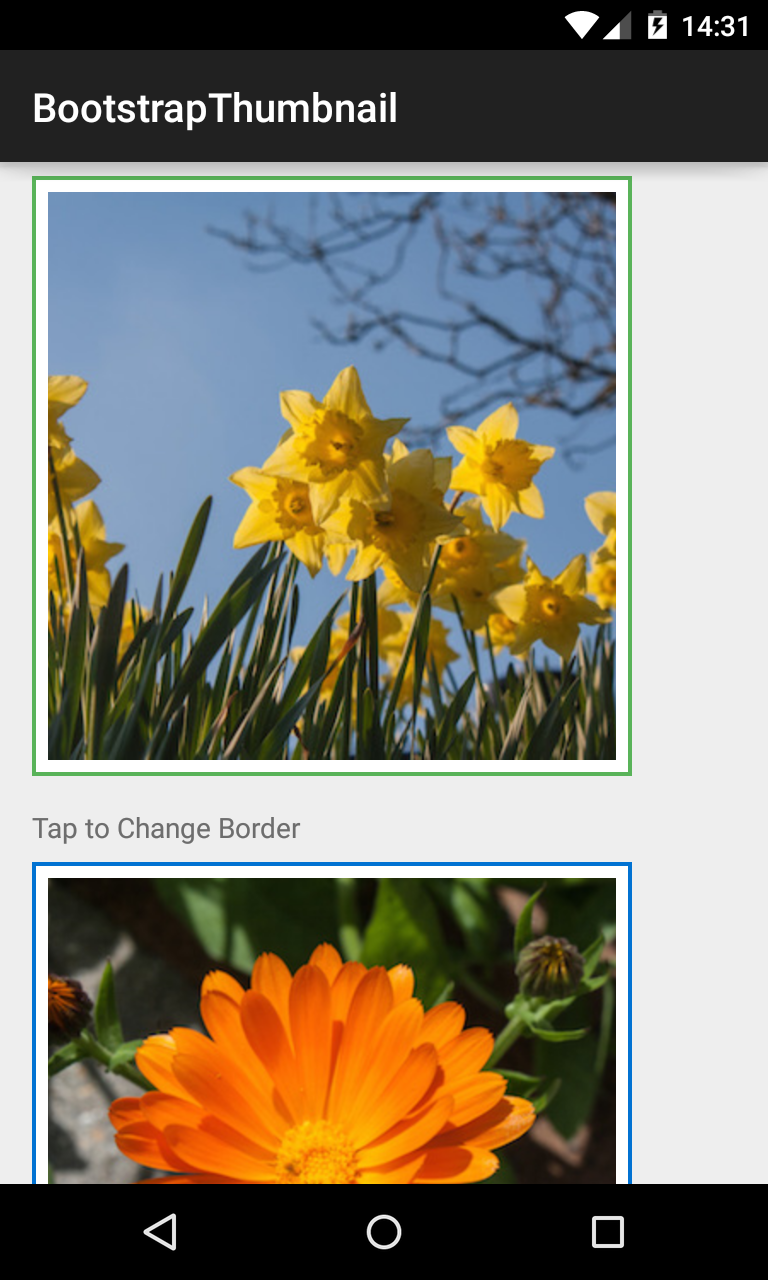
Bootstrap Thumbnail
###BootstrapThumbnail
See the sample code. This ImageView displays images in a rectangle, whose edges are themed with BootstrapBrand.
<com.beardedhen.androidbootstrap.BootstrapThumbnail
 android:layout_width="wrap_content"
 android:layout_height="wrap_content"
 android:src="@drawable/my_drawable"
 app:bootstrapBrand="info"
 app:hasBorder="true"
 />
Whether the border is shown and its color are defined via the XML attributes, as above. Setters are also available on the view class.
BootstrapThumbnail thumbnail = new BootstrapThumbnail(context);
thumbnail.setImageResource(R.drawable.my_resource);
thumbnail.setBorderDisplayed(true);