**STEP 1: Go to AWS Elastic beanstalk create an app. Select python as environment 3.7 or above. IN case of any issues go to browser google chrome > More tools > extension settings and disable all.
**

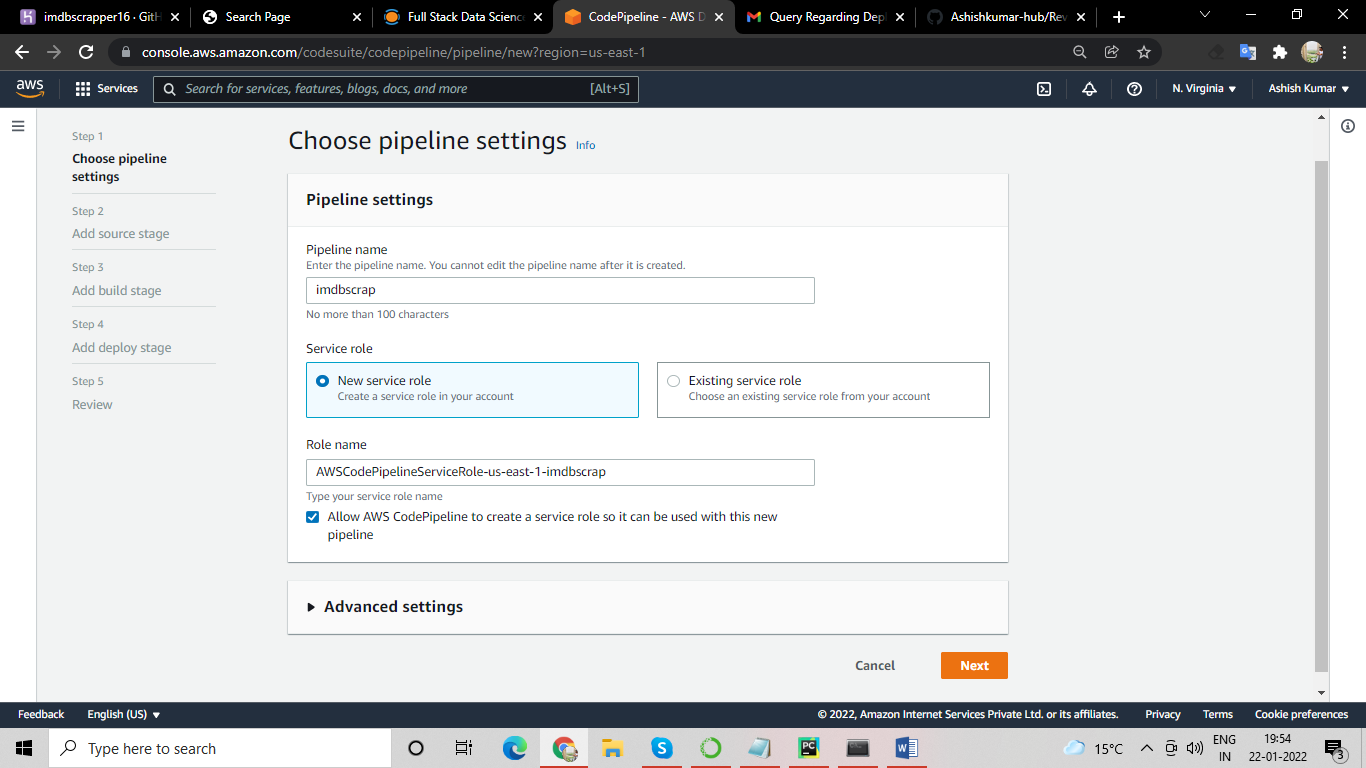
**STEP 2: Go to Code Pipeline and create a pipeline. This is connecting Github to elastic beanstalk. Go next Select Github version 2. **
**STEP 3: Go to connect Github, click on the button install an app, authorize and connect to all repositories.

STEP 4: Select repository name and branch name as main go next. Skip build stage.

STEP 5: Under Deploy select AWS Elastic Beanstalk. Click Next and create a pipeline.

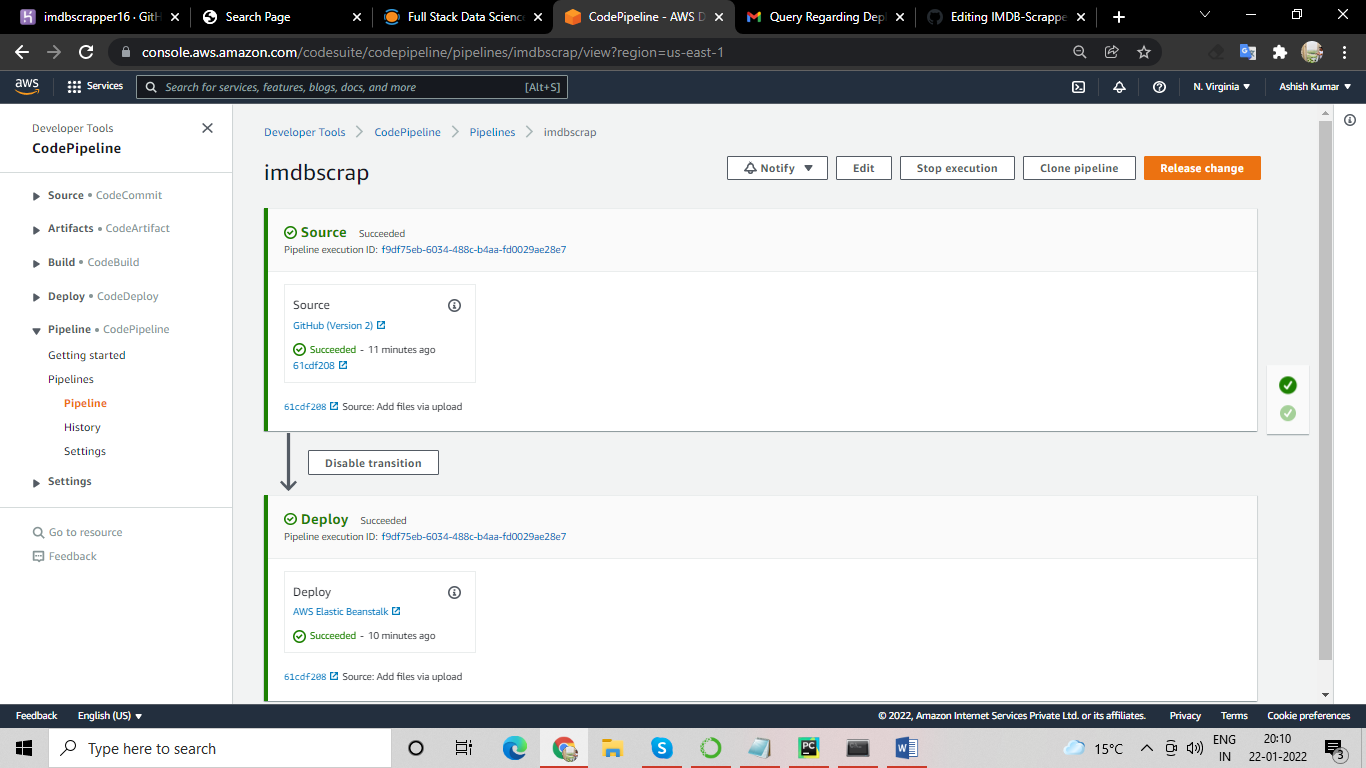
RESULT: DEPLOYMENT DONE (BOTH GREEN TICKS AT RHS)
STEP 6: To kill your services go to CloudFormation go to stacks you can see any environment and stop the same from there.
DEPLOYED PROJECT: IMDB SCRAPPER