
AdGuard is a fast and lightweight ad blocking browser extension
that effectively blocks all types of ads and trackers.
AdGuard.com |
Reddit |
Twitter |
Telegram


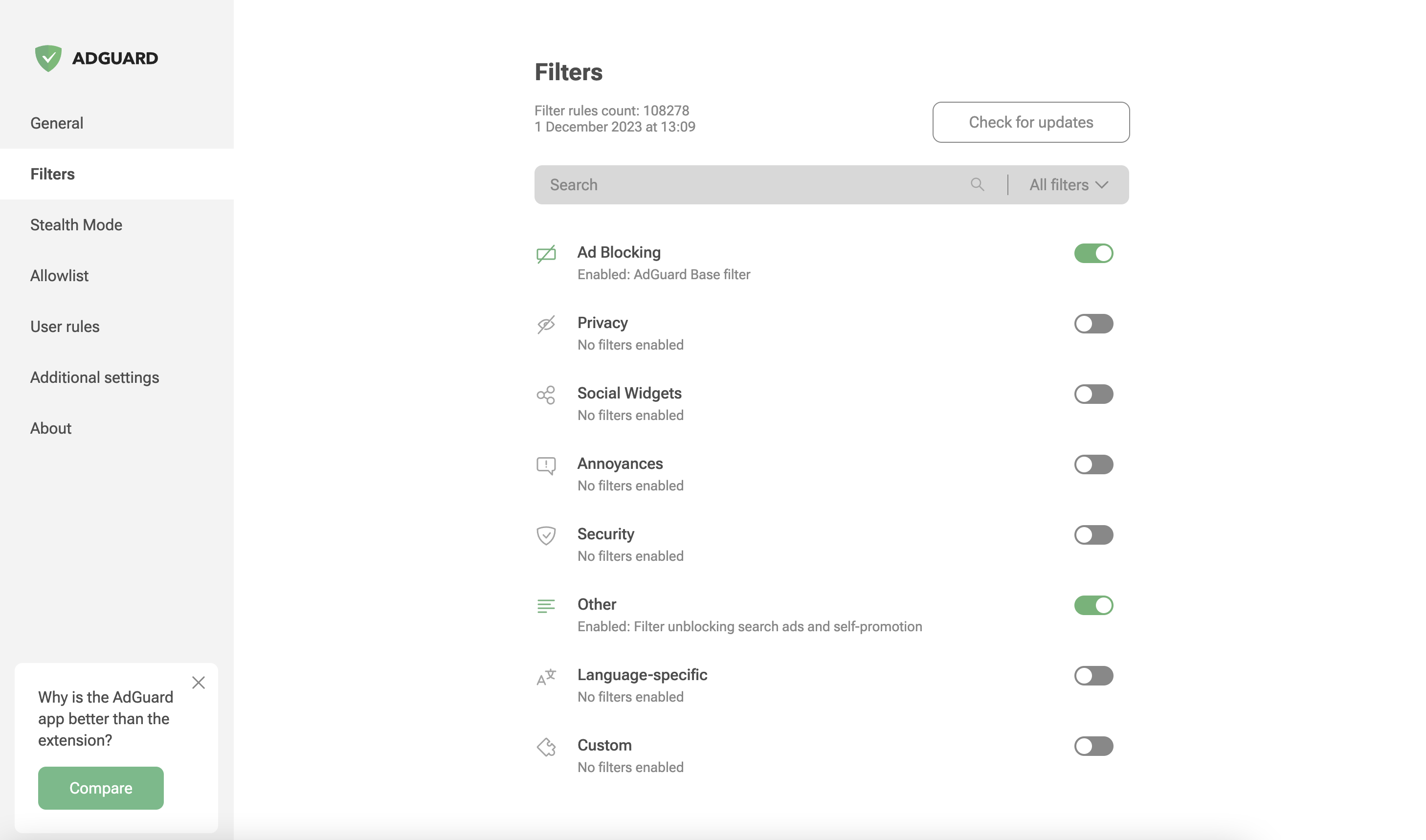
AdGuard is a fast and lightweight ad blocking browser extension that effectively blocks all types of ads and trackers on all web pages. We focus on advanced privacy protection features to not just block known trackers, but prevent web sites from building your shadow profile. Unlike its standalone counterparts (AG for Windows, Mac), the browser extension is completely free and open source. You can learn more about the difference here.
AdGuard does not collect any information about you, and does not participate in any acceptable ads program. The only source of income we have is selling premium versions of our software, and we intend to keep it that way.
- Installation
- Contribution
- Development
- Permissions required
- Auto-publish builds
- Versioning Schema
- Minimum supported browser versions
You can get the latest available AdGuard Extension version from the Chrome Web Store.
You can get the latest version of AdGuard Extension from the Mozilla Add-ons website.
Opera is basically a Chromium browser, but it maintains its own add-ons store. You can get AdGuard Extension from there.
The latest stable version of AdGuard browser extension is available in Microsoft Store.
We are blessed to have a community that does not only love AdGuard, but also gives back. A lot of people volunteer in various ways to make other users' experience with AdGuard better, and you can join them!
We, on our part, can only be happy to reward the most active members of the community. So, what can you do?
If you want to help with AdGuard translations, please learn more about translating our products here: https://adguard.com/kb/miscellaneous/contribute/translate/program/
You can get a beta version of AdGuard Browser Extension for any browser. All necessary information on this topic can be found on a dedicated page on our website.
GitHub can be used to report a bug or to submit a feature request. To do so, go to this page and click the New issue button.
Note
For the filter-related issues (missed ads, false positives etc.) use the dedicated repository.
Here is a dedicated page for those who are willing to contribute.
tabs- this permission is required in order to get the URL of the options page tabwebRequest- this permission is necessary to apply complicated rules (cosmetic for instance), detecting and removing tracking cookies, counting blocked resourcescookies- this permissions is required to delete cookies from requests or changing their lifetimecontextMenus- this permission is required in order to create a context menustorage- this permission is required in order to save user settings, user rules and custom filtersunlimitedStorage- this permission is required in order to save large filterswebNavigation- this permission is required in order to catch the moment for injecting scriptletsprivacy- this permission allows access to browser privacy settings; required in Firefox, optional in Chrome/Edge/Opera
<all_urls>- this permission grants access to all websites to apply content scripts and filtering ruleswebRequestBlocking- this permission is required to block or modify HTTP requests synchronously
host_permissions- this permission grants access to all websites (MV3 uses this instead of<all_urls>)userScripts- this permission is required to let the user subscribe to custom filter lists and evaluate rules from these listsscripting- this permission is required in order to inject assistant script only in the required pagesdeclarativeNetRequest- this permission is required in order to block, redirect and modify URL requestsdeclarativeNetRequestFeedback- this permission is required in order to create a log of the blocked, redirected or modified URL requests
Due to the transition from MV2 to MV3, we cannot update our filters remotely. To keep the filters as fresh as possible, we have configured automated tasks in our CI plans. These tasks will build a new version of the extension with only the updated @adguard/dnr-rulesets package, which contains new static rulesets.
We have set up an automated update cycle that regularly syncs with fresh releases from the @adguard/dnr-rulesets npm package. The update frequency is configured in our CI build schedule. This ensures our extension stays up-to-date with the latest filter rules.
To deploy new releases as soon as possible, we have implemented all the steps outlined in Chrome's Skip Review documentation. This allows us to publish updates to the Chrome Web Store without waiting for the full review cycle.
However, there is an important restriction when using the "skip review" option: we cannot update the extension with skip review if it contains changes to filtering script rules. This is because all script rules are collected during build time into a file called local_script_rules.js (for safe use them with the scripting API).
Therefore, any updates that include changes to script rules will require the full review cycle in the Chrome Web Store as usual.
These automated tasks will run all necessary checks: unit tests, translation checks, and linter. After that, they will update resources, including filters and local script rules, create a build, and run integration tests to ensure the update is safe.
Finally, the new version of the extension will be published to the Chrome Web Store.
The extension uses the following versioning schema:
major.minor.patch+autoBuildIncrementVersion.buildTag.dnrRulesetsVersion
- major.minor.patch: Standard semantic versioning for the extension codebase.
- autoBuildIncrementVersion: An incrementing number used as the fourth part of the manifest version (e.g.,
88in5.2.1.88). - buildTag: A delimiter indicating the build's readiness.
- dnrRulesetsVersion: The patch version of the DNR rulesets, which includes the build date for those rulesets.
Example: 5.2.1+88.beta.20251014
But for build versions we will use following format: major.minor.patch.autoBuildIncrementVersion to comply with the browser requirements for version.
| Browser | Version |
|---|---|
| Chromium-based browsers MV2 | ✅ 106 |
| Chromium-based browsers MV3 | ✅ 121 |
| Firefox | ✅ 78 |
| Firefox Mobile | ✅ 113 |
| Opera | ✅ 67 |
| Edge Chromium | ✅ 80 |
| Edge Legacy | ❌ |


