
- model/codename: ASUS_X00TD
- openness: The device fully supports bootloader unlocking, LineageOS, F-Droid and other open efforts.
- security: Asus is based in Taiwan. There are reports of hardware backdoors in places like China and the USA.
- environment: Asus has received environmental friendlessness recognition in independent assessment.
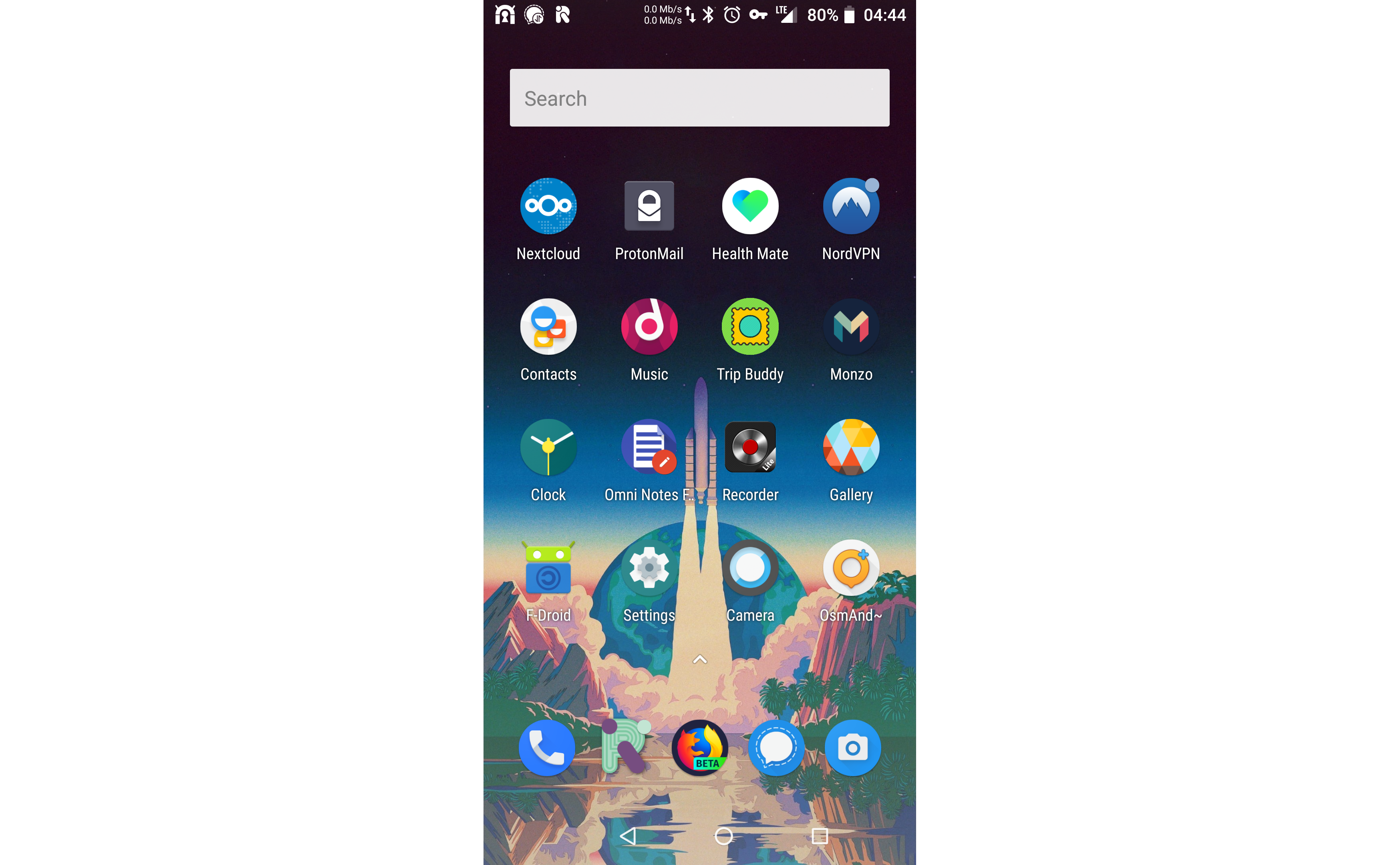
This setup procedure resulted in a standard device being unlocked using the Asus official method and then having LineageOS, F-Droid and TWRP installed on it. It does not feature Open GApps (so it does not feature proprietary Google features that come preinstalled on most Android devices, such as Google Play).
Boot the device to its default Android installation, setting a PIN code as you do so, and enable its developer mode in order to start its ADB server and perhaps enable USB debugging if you wish to install applications via ADB, such as the official unlocking application. When this is done, connect the device to a computer and it should be visible:
sudo adb devices
* daemon not running. starting it now on port 5037 *
* daemon started successfully *
List of devices attached
XXXXXXXXXXXXXXX	device
Here, the string "XXXXXXXXXXXXXXX" represents some other alphanumeric string.
There are two methods to unlock the bootloader. One is official and an intrusion of privacy, and the other is not.
There is an official APK (UnlockTool_9.1.0.3_180621_fulldpi_signed_ZB601KL.apk) which unlocks the bootloader. In doing so, it requires an internet connection to send a record of this unlocking action to Asus. This presents an intrusion of privacy.
Download and then install the application.
sudo adb install UnlockTool_9.1.0.3_180621_fulldpi_signed_ZB601KL.apk
4449 KB/s (758249 bytes in 0.166s)
Success
Run the application. Unlocking using the application may take multiple attempts. On success, the device should reboot and a message should display with instructions. Press and hold the power button. This should reboot the device. Leave the device to boot. The device should now induce a factory reset (which involves the display of an "encrypting" display). The device should then boot as new.
This method has been derived from from the script unlock.sh by liunianliang.
After unlocking developer mode, reboot to fastboot mode by holding the power and volume up keys.
sudo su
apt install adb fastboot

default_platform="sdm636"
default_buildtype="eng"
default_slot="a"

platform=`fastboot getvar platform 2>&1 | grep platform | awk '{print $NF}'`
buildtype=`fastboot getvar build-type 2>&1 | grep build-type | awk '{print $NF}'`
slot=`fastboot getvar current-slot 2>&1 | grep current-slot | awk '{print $NF}'`

echo "platform:   "${platform}""
echo "build-type: "${buildtype}""
echo "slot:       "${slot}""

# get the secret key and partition
secret_key=`fastboot getvar secret-key-opt 2>&1 | grep secret-key-opt | awk '{print $NF}'`
secret_partition=`fastboot oem get_random_partition 2>&1 | grep bootloader | awk '{print $NF}'`

echo -e "secret key:       "${secret_key}"\esecret partition: "${secret_partition}""

if [ -z "${platform}" ];then
    platform="${default_platform}"
fi
if [ -z "${buildtype}" ];then
    buildtype="${default_buildtype}"
fi
#if [ -z "${slot}" ];then
#    slot="${default_slot}"
#fi
slot="${default_slot}"

if [ "${buildtype}" = "user" ]; then
    echo "${secret_key}" > default_key.bin
    fastboot flash "${secret_partition}" default_key.bin
    fastboot flashing unlock
    fastboot flashing unlock_critical
fi

echo "reboot"
fastboot oem recovery_and_reboot
On success of the various flashing steps, terminal output should feature content like the following:
target reported max download size of 536870912 bytes
sending 'XXXXXXXXXXXXX' (0 KB)...
OKAY [  0.010s]
writing 'XXXXXXXXXXXXX'...
(bootloader) Begin to do frp unlock ...
(bootloader) FRP unlock successful !!!
OKAY [  0.006s]
finished. total time: 0.015s
# fastboot flashing unlock
...
OKAY [ 0.048s]
finished. total time: 0.048s# fastboot flashing unlock_critical
...
OKAY [ 0.046s]
finished. total time: 0.046sIt might be beneficial to record the secret key and the secret partition.
On reboot, you may encounter a passcode access problem. You can wipe the phone from the recovery image which is accessible by holding the power and volume down keys.
Reboot to fastboot mode.
Reboot the device to fastboot mode by pressing the power and volume up buttons at the same time. When this is done, connect the device to a computer and it should be visible:
sudo fastboot devices
XXXXXXXXXXXXXXX	fastboot
Here, the string "XXXXXXXXXXXXXXX" represents some other alphanumeric string.
Download TWRP (e.g. twrp-3.2.3-0-X00TD-20180814.img).
Flash TWRP to the device via fastboot.
fastboot flash recovery twrp-3.2.3-0-X00TD-20180814.imgBoot the device to TWRP by pressing the power and volume down buttons at the same time until the ASUS logo appears, then release the buttons.
- Wipe > Advanced Wipe
- Cache
- System
If there is a data decryption problem, select to format the data.
Download LineageOS (e.g. lineage-15.1-20190103-nightly-X00TD-signed.zip).
Transfer the LineageOS ZIP file to the device internal storage while TWRP is running. This can be done using ADB:
- Advanced > ADB Sideload
sudo adb sideload lineage-15.1-20190103-nightly-X00TD-signed.zip- Install > lineage-15.1-20190103-nightly-X00TD-signed.zip > Swipe to confirm Flash
The setup should now be complete.