Horizontal pageable scroll view with tabs. It uses YSSegmentedControl for the tab control.
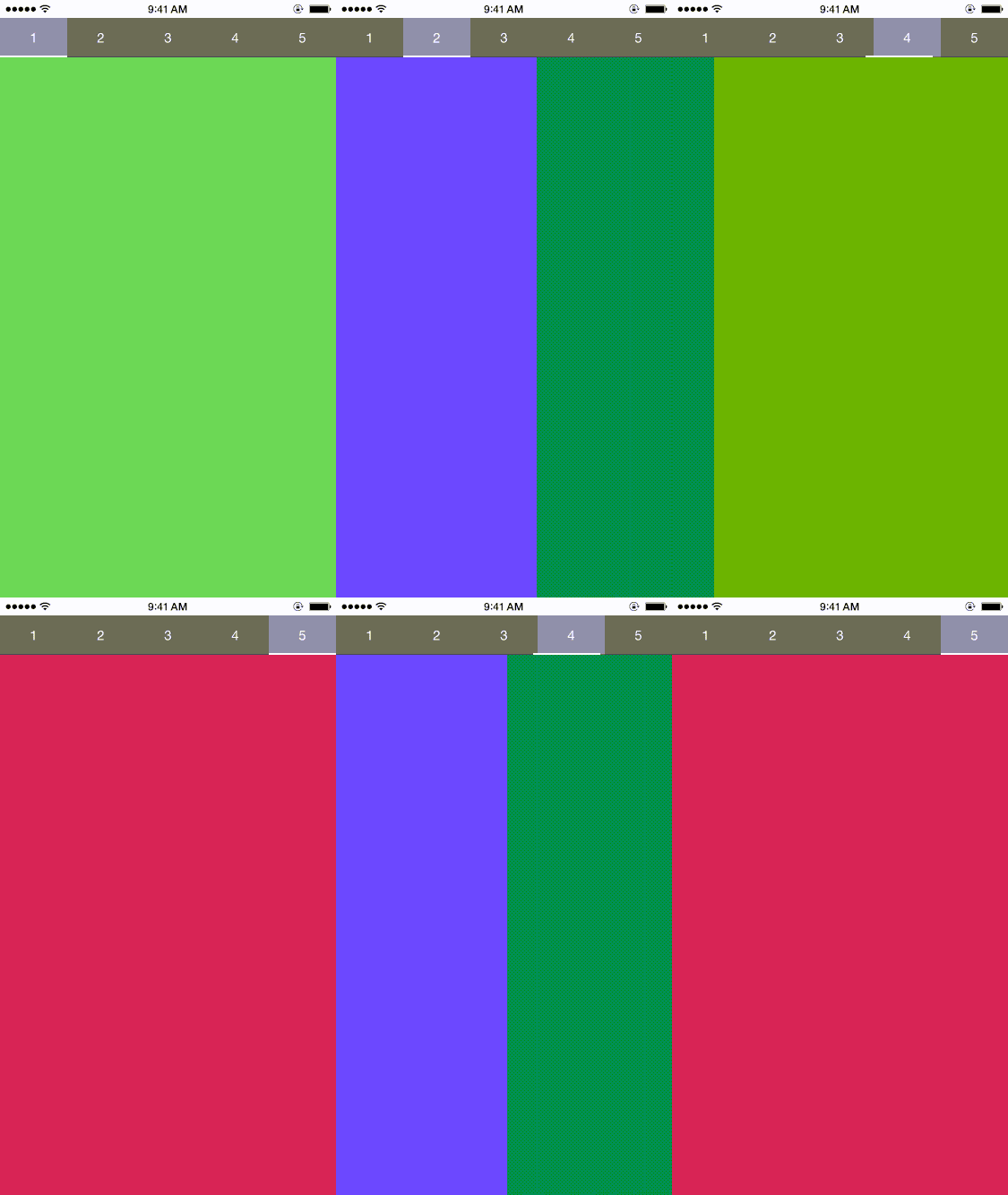
Create BTHorizontalPageableView with titles, views and frame.
let view1 = UIView(frame:self.view.frame)
view1.backgroundColor = UIColor.redColor()

let view2 = UIView(frame:self.view.frame)
view2.backgroundColor = UIColor.yellowColor()

let view3 = UIView(frame:self.view.frame)
view3.backgroundColor = UIColor.grayColor()

let btScrollView = BTHorizontalPageableView(frame: self.view.frame)
btScrollView.views = [view1,view2,view3]
btScrollView.titles = ["1", "2", "3"]
self.view.addSubview(btScrollView)**Embedded frameworks require a minimum deployment target of iOS 8
CocoaPods is a dependency manager for Cocoa projects. You can install it with the following command:
$ gem install cocoapodsTo integrate BTHorizontalPageableView into your Xcode project using CocoaPods, specify it in your Podfile:
source 'https://github.com/CocoaPods/Specs.git'
platform :ios, '8.0'
use_frameworks!

pod 'BTHorizontalPageableView'
Then, run the following command:
$ pod installIf you prefer you can integrate BTHorizontalPageableView into your project manually.
public class BTHorizontalPageableView: UIView, YSSegmentedControlDelegate, UIScrollViewDelegate {

// The Segmented control, used for display the 'titles' bar.
var segmentedControl : YSSegmentedControl

// Indicates if the 'views' should be placed under the 'titles' bar.
var viewsUnderSegmentedControl : Bool

// Height of the segmented view.
var segmentedHeight : CGFLoat

// Y origin point of the segmented view.
var segmentedYOrigin : CGFLoat

// X origin point of the segmented view.
var segmentedXOrigin : CGFLoat

// The titles of the segments.
var titles : Array<String>

// The duration of the animation for scrolling to a new page.
var scrollViewPageChangeAnimationDuration : NSTimeInterval

// The container for the views.
var scrollView : UIScrollView

// The containing views.
var views : Array<UIView>
}
Control tab bar appearance
appearance = YSSegmentedControlAppearance(

backgroundColor: UIColor.clearColor(),
selectedBackgroundColor: UIColor.clearColor(),

textColor: UIColor.grayColor(),
font: UIFont.systemFontOfSize(15),

selectedTextColor: UIColor.blackColor(),
selectedFont: UIFont.systemFontOfSize(15),

bottomLineColor: UIColor.blackColor(),
selectorColor: UIColor.blackColor(),

bottomLineHeight: 0.5,
selectorHeight: 2)
You can change appearance by
segmented.appearance = YSSegmentedAppearance (...)

// or

segmented.appearance.titleColor = ...