Native Claude Code integration for PyWry — MCP tools for generating and rendering HTML components, chat artifacts, and building native, web, or Jupyter applications with live preview. Built-in support for AgGrid, Plotly, TradingView, and more.
| Surface | Detail |
|---|---|
| MCP server | Auto-starts pywry mcp --transport stdio via .mcp.json — exposes 66 tools including create_widget, show_plotly, show_dataframe, show_tvchart, create_chat_widget, get_widget_app, and the full tvchart_* family |
| Skill | skills/pywry-orientation — teaches Claude when to reach for PyWry vs. hand-writing code, and how to call get_skills for domain references |
| Slash commands | /pywry:doctor (health check), /pywry:scaffold (new app skeleton), /pywry:examples (run bundled examples headless) |
| Subagent | agents/pywry-builder for multi-step widget construction |
| Hook | hooks/hooks.json — PostToolUse ruff format on edited .py files (no-op when ruff is absent) |
/plugin marketplace add deeleeramone/PyWry --path claude/.claude-plugin/marketplace.json
/plugin install pywry@pywry
Prerequisite: pip install 'pywry[dev]' (or pywry[all]). See the
claude/ README for the PyPI-bundled and
local-development install paths.
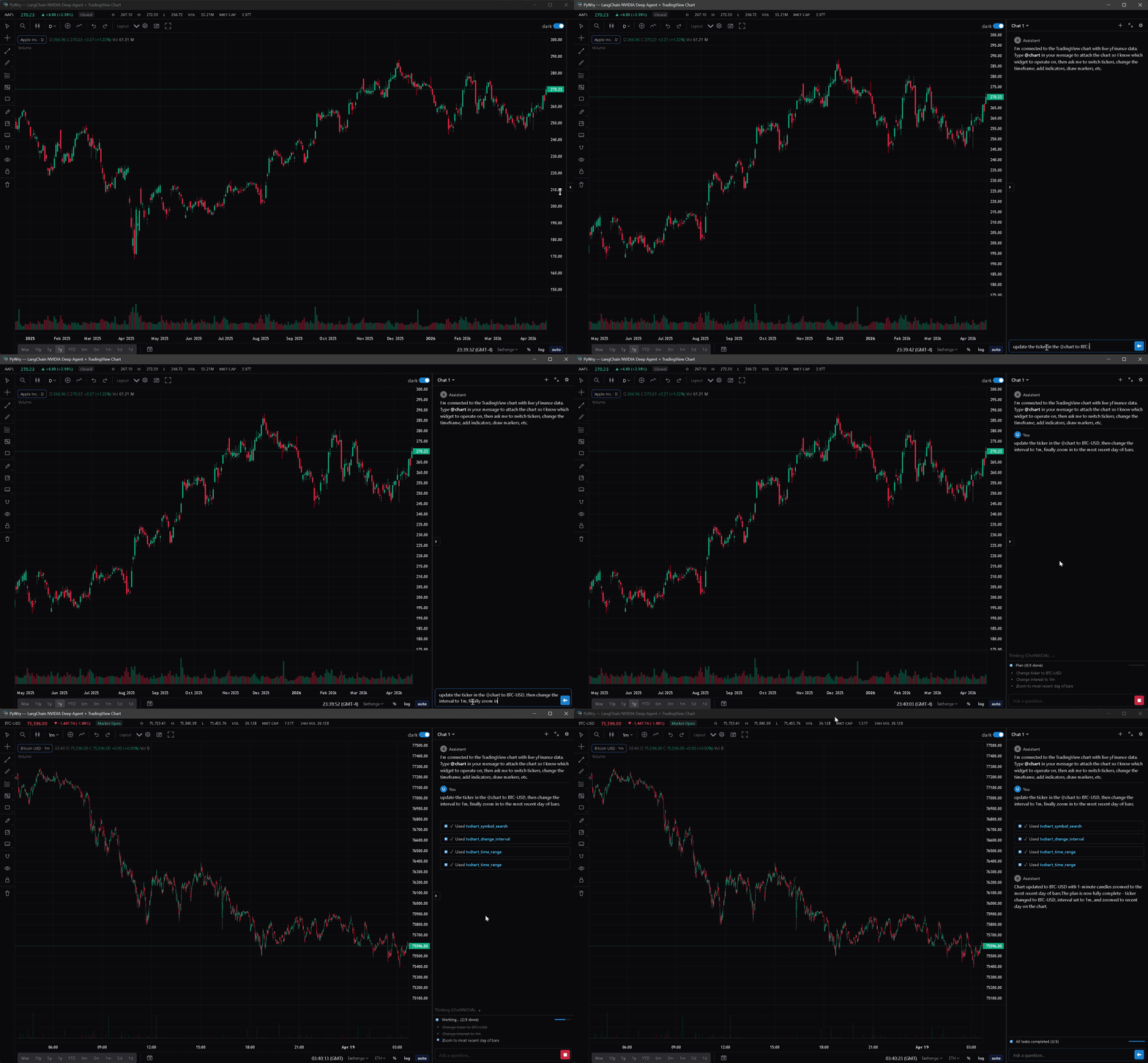
Every widget-creating tool auto-returns an AppArtifact — a
self-contained HTML snapshot of the widget delivered as an MCP
EmbeddedResource (mimeType: text/html,
uri: pywry-app://<widget_id>/<revision>). MCP clients that render
HTML resources — Claude Desktop's artifact pane, mcp-ui-aware clients,
PyWry's own chat widget — show the app inline. The chart respects the
host's theme (prefers-color-scheme is polled every 500ms because
Chromium-in-Electron doesn't reliably fire the change event).
Each render bumps a per-widget revision counter. The latest revision
keeps a live WebSocket bridge back to Python; older revisions freeze at
their last known state — their reconnect is rejected with close code
4002 Older revision superseded. Call get_widget_app(widget_id) to
re-snapshot after mutating a widget.
See CHANGELOG.md for the release history and RELEASING.md for the step-by-step cut.
No telemetry, no data collection, no beacons. See PRIVACY.md.